
Last updated November 2, 2026. Reviewed by the HomePilot editorial team.
Renting used to mean living with whatever the last tenant left behind: the dim hallway bulb, the deadbolt that sticks, the thermostat stuck in 1998. The rule was simple: do not drill, do not rewire, do not touch. The good news is that a whole category of smart home gear now works around those rules. It plugs in, sticks on or clips over what is already there, and it all leaves with you when the lease ends.
By the HomePilot Team · Updated November 1, 2026 · Prices checked in October 2026 · How we research
Short answer: the best renter-friendly smart home upgrades are the ones that need no drilling or wiring: smart plugs, smart bulbs, a retrofit smart lock that fits over your existing deadbolt, a battery video doorbell on a no-drill mount, indoor cameras, adhesive sensors, an IR controller for the air conditioner, and your own mesh Wi-Fi. Read your lease first, keep every original part, and reset each device before you move out.
Key takeaways
- Plug-in, screw-in, stick-on and clip-over devices are the renter’s toolkit.
- Retrofit smart locks keep the landlord’s key working, which most leases require.
- Keep original bulbs, thumb turns and screws in a labeled bag for move-out day.
- Ask before changing anything the landlord owns, such as the thermostat or wiring.
Before you buy: check the lease
Most leases forbid permanent changes, and many say you cannot change or add locks without permission, because the landlord needs emergency access. Rules vary by state and by building. A two-line email to your landlord or property manager, describing what you want to add and confirming you will restore everything when you leave, avoids arguments about your deposit later. Get the answer in writing.
12 renter-friendly smart home upgrades
| Upgrade | Why it is renter-safe | Typical cost |
|---|---|---|
| Smart plugs | Plug into the existing outlet | Low |
| Smart bulbs | Screw into existing fixtures; swap the old bulbs back later | Low to medium |
| Smart speaker or display | Sits on a shelf | Low to medium |
| Retrofit smart lock | Replaces only the inside thumb turn; outside key still works | About $65 to $200 |
| Battery video doorbell | No wiring; adhesive or door-hanging mount | Medium |
| Indoor security camera | Sits on a shelf, records to a memory card | From about $40 |
| Door, window and leak sensors | Adhesive mounting, battery powered | Low |
| Smart AC or IR controller | Controls a window or mini-split AC with its remote signals | Low to medium |
| Retrofit blind or curtain motors | Clip onto existing rods or cords | Medium |
| Mesh Wi-Fi or your own router | Plugs into the provider’s connection | Medium to high |
| Robot vacuum | Just needs a spot to dock | Medium to high |
| Temperature and humidity sensors | Battery powered, stand or stick anywhere | Low |
Lighting: plugs and bulbs
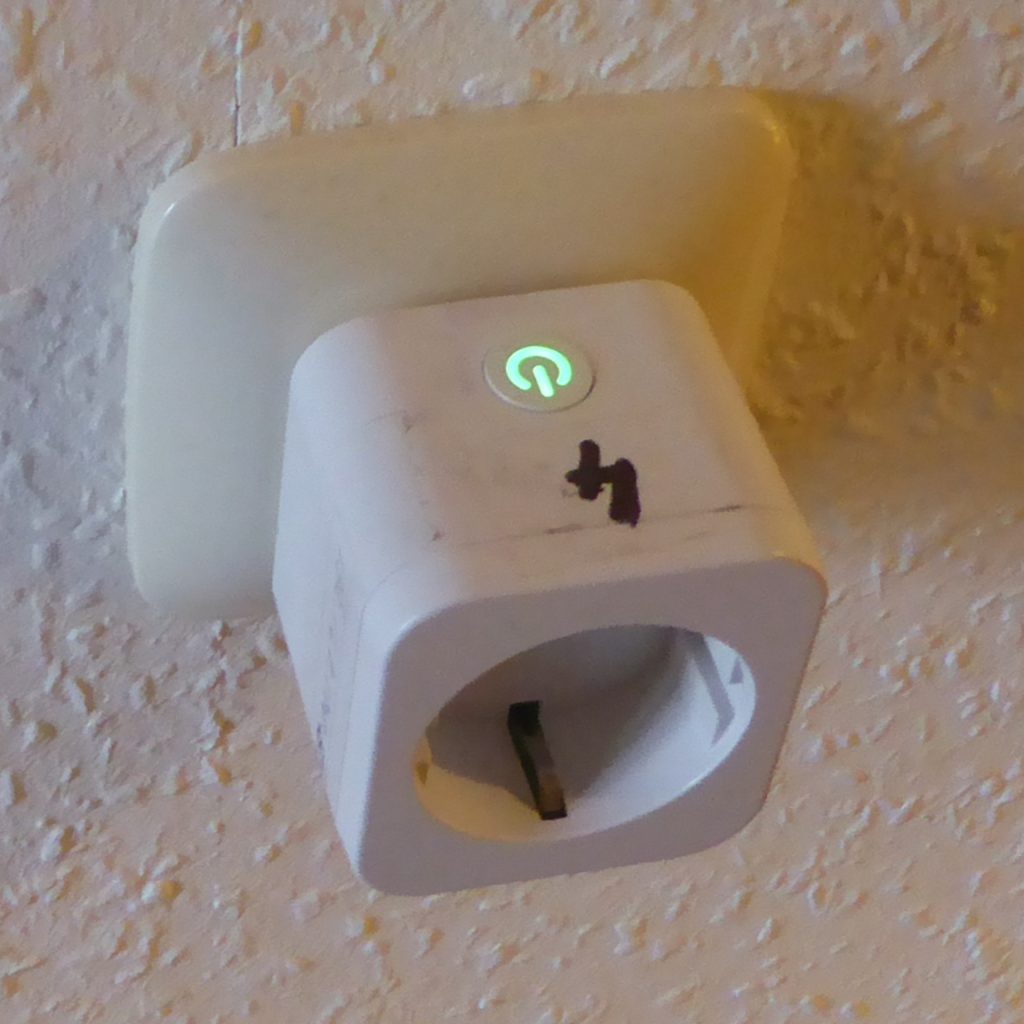
Smart plugs turn ordinary lamps, fans and holiday lights into smart devices, with schedules and voice control. Smart bulbs do the same for ceiling fixtures and add dimming and color. Remember that a smart bulb goes offline if someone flips the wall switch off, so put a sticky note on the switch or use a stick-on smart remote. See our comparison of smart switches and smart bulbs for why renters usually pick bulbs.
Security: lock, doorbell and cameras
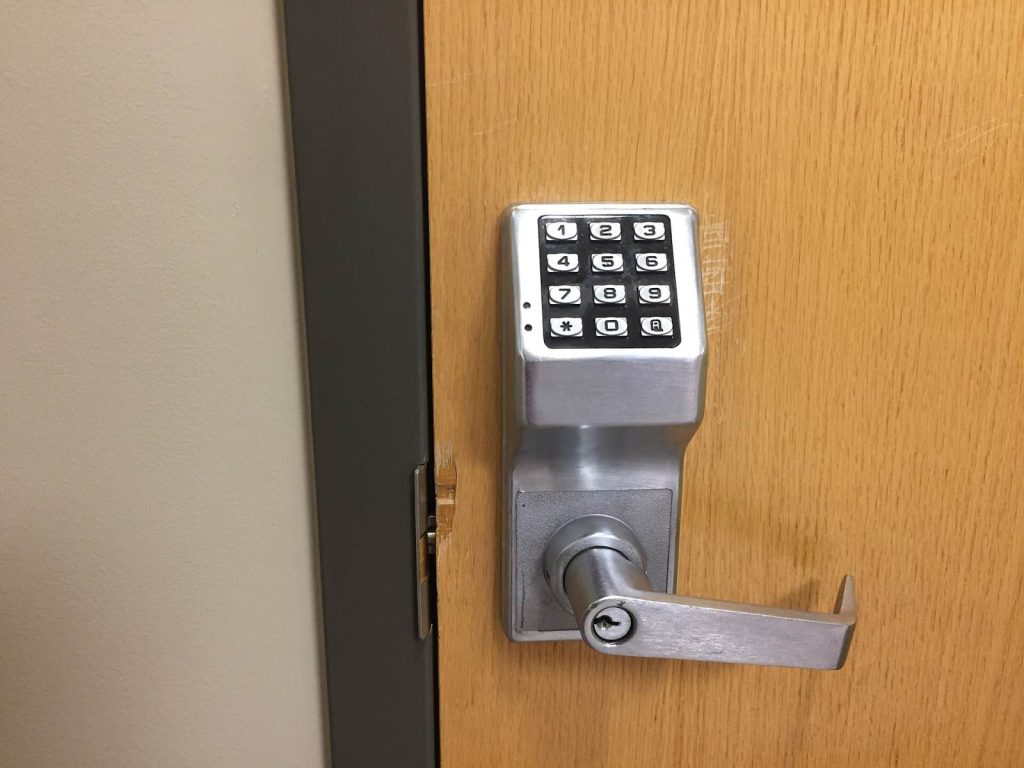
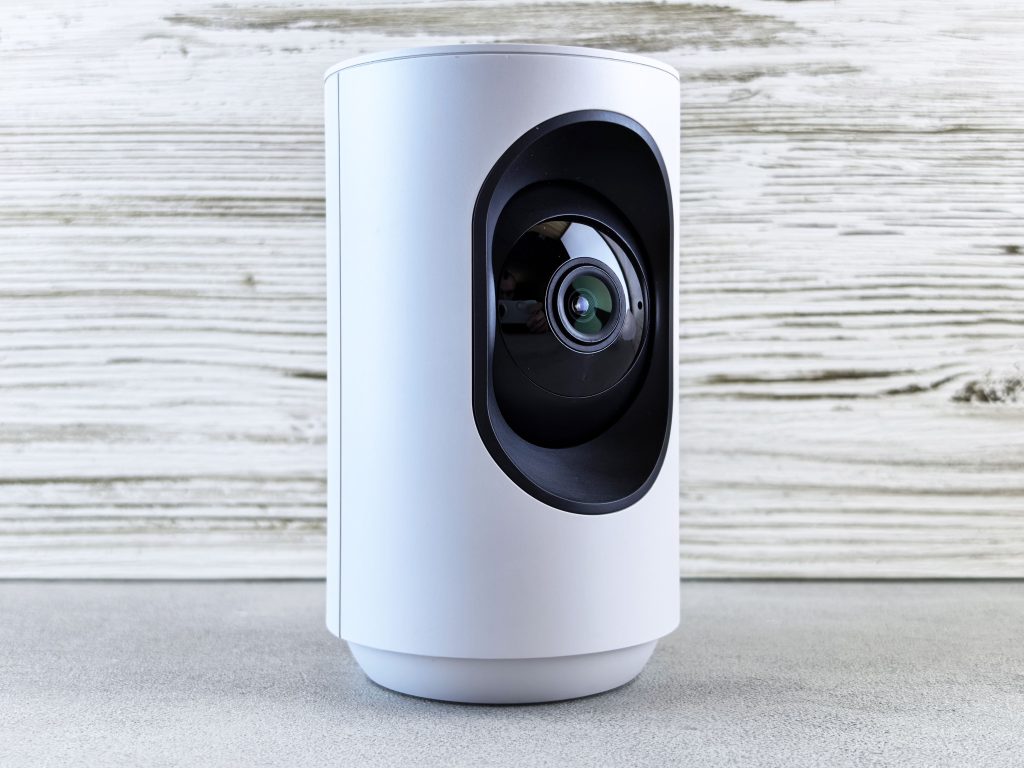
Retrofit smart locks such as the SwitchBot Lock Pro and the August Wi-Fi Smart Lock mount over the inside of your existing deadbolt, so the outside looks the same and the landlord’s key still works. Battery video doorbells can be attached with a no-drill adhesive mount or a bracket that hangs over the door, and indoor cameras simply sit on a shelf. Our guides cover each in detail: smart locks for renters, video doorbells for renters and cameras without a monthly subscription.
Be considerate with cameras in shared buildings. Point them at your own door or inside your own home, not at neighbors’ doors or shared hallways beyond your entry, and check whether your building or state has rules about recording audio.
Comfort: AC, blinds and sensors
Most renters cannot swap the landlord’s thermostat. A smart AC controller or IR hub gets around that for window and ductless units by sending the same signals as the remote, so you can schedule the AC and turn it on before you get home. Retrofit motors clip onto existing curtain rods or blind cords to open them on a schedule. Small battery sensors track temperature and humidity in each room. If you want to know what that AC costs to run, try our Appliance Running Cost Calculator.
Wi-Fi: bring your own
Using your own router or mesh system instead of the provider’s combo box often gives better coverage and lets you set up a separate network for smart gadgets. See how to set one up and our mesh Wi-Fi guide for small apartments.
Adhesive tips that protect your deposit
- Clean the surface with rubbing alcohol first so the adhesive holds.
- Use removable mounting strips rated for the device’s weight.
- Avoid sticking adhesives to freshly painted or textured walls, which can peel.
- To remove, pull the strip’s tab slowly straight down along the wall, not outward.
- Test a small strip in a hidden spot if you are unsure about the paint.
Where to start on a small budget
You do not need all twelve at once. A sensible order for most renters looks like this:
- Two or three smart plugs for the lamps you use every evening. Set a schedule and you have instant “someone is home” lighting while you are away.
- One indoor camera with a memory card, if you want to check on pets or packages left inside.
- A leak sensor under the kitchen sink or next to the washer. In an apartment, a leak can damage the unit below too.
- A retrofit smart lock, once your landlord has said yes.
- Better Wi-Fi, if the provider’s box leaves dead zones.
Stick to one ecosystem, such as Alexa, Google Home or Apple Home, or choose devices that support Matter, so everything can be controlled from one app and moves with you to the next place.
Moving out: the reset checklist
- Factory reset every device and remove it from your apps and voice assistant.
- Reinstall the original bulbs, thumb turn and any parts you swapped.
- Remove adhesive mounts carefully and wipe the surface.
- Delete door codes and shared access from the lock app.
- Cancel any camera or doorbell subscriptions tied to the address.
Products mentioned in this article
- August Wi-Fi Smart Lock – renter-friendly retrofit smart lock
- Tapo C120 camera – budget indoor/outdoor camera with memory card storage
- Ring No-Drill Mount – adhesive mount for Ring battery doorbells
- Matter smart plugs – plug-in control for lamps and fans
As an Amazon Associate, HomePilot earns from qualifying purchases. Check the listing for current price and compatibility with your home.
Building a renter-friendly smart home? HomePilot Picks gathers the plugs, locks, cameras and hubs we have researched.
Frequently asked questions
Can renters have a smart home?
Yes. Smart plugs, smart bulbs, retrofit smart locks, battery doorbells, indoor cameras and adhesive sensors need no drilling or wiring, and they all move with you.
Can I install a smart lock in a rental?
Often, if you choose a retrofit model that keeps the existing deadbolt and key working, and your lease allows it. Ask your landlord in writing first, since many leases restrict lock changes.
Can I replace the thermostat in my apartment?
Only with your landlord’s permission, because it is part of the building’s heating system. For window or ductless AC units, a smart IR controller is a renter-safe alternative.
Do adhesive mounts damage walls?
Usually not if you clean the surface first, use removable strips and peel them off slowly. Fresh or textured paint is more likely to lift.
What should I do with smart devices when I move out?
Factory reset them, remove them from your accounts, reinstall the original parts and take your devices with you.