
Last updated November 4, 2026. Reviewed by the HomePilot editorial team.
A $40 security camera feels like a bargain, right up until the app asks for a monthly plan before it will show you what happened while you were out. Multiply that fee by every camera, every month, for years, and the “cheap” camera can end up costing more than a premium one. The good news: plenty of cameras record everything you need without a subscription.
By the HomePilot Team · Updated November 1, 2026 · Prices checked in October 2026 · How we research
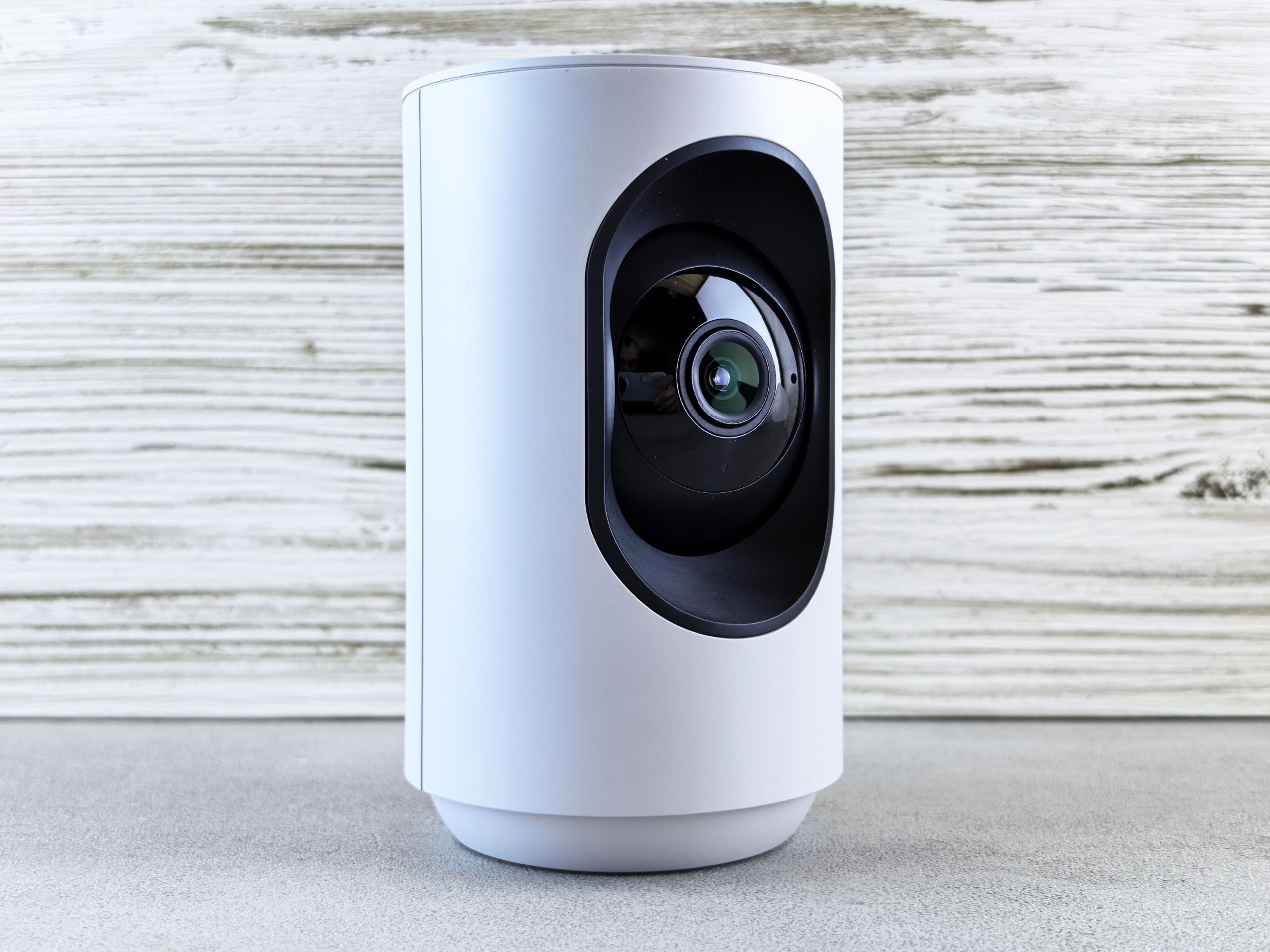
Short answer: you can buy a security camera without a subscription by choosing one that stores video locally, on a microSD card, a home base or a network video recorder (NVR). Brands that offer cameras without a mandatory monthly plan include TP-Link Tapo, Eufy, Reolink, Lorex, Swann and Baseus. Budget models such as the Tapo C120 cost about $40 and record to a memory card. The trade-off: if a thief takes the camera, local footage can go with it.
Key takeaways
- Local storage means no monthly fee, but you manage the storage yourself.
- Check which features are free: some brands lock person detection or long history behind a plan.
- Use a high-endurance microSD card made for continuous recording.
- A home base or NVR keeps footage safe even if one camera is stolen.
How subscription-free cameras store video
| Storage type | How it works | Pros | Cons |
|---|---|---|---|
| microSD card in the camera | Records clips or 24/7 video to a card inside the camera | Cheapest; no extra hardware | Footage lost if the camera is stolen or the card fails |
| Home base or hub | Cameras send clips to a base station inside your home | Footage stays safe if a camera is taken | Extra device to buy; brand-specific |
| NVR (network video recorder) | A box with a hard drive records several cameras | Lots of storage; great for many cameras | More setup; usually wired cameras |
| Free limited cloud | Some brands include a few hours or days of cloud clips | Off-site copy at no cost | Short history; may change over time |
Brands that work without a monthly plan
SafeWise lists Baseus, Eufy, Lorex, Nest, Reolink, Swann and Tapo as brands that sell cameras without a mandatory storage subscription. How that works differs by brand:
| Brand | Fee-free approach | Example and typical price |
|---|---|---|
| TP-Link Tapo | microSD storage on most cameras; core features free; optional Tapo Care cloud plan | Tapo C120 indoor/outdoor, about $40; supports cards up to 512 GB |
| Eufy | Local storage on the camera or a HomeBase; cloud plan optional | Eufy Indoor Cam S350, about $130 |
| Reolink | microSD, NVR and network storage; basic person and vehicle detection without a plan | Budget outdoor models around $60 |
| Lorex | Local storage only, no cloud plan | Wide range of wired and wireless systems |
| Swann and Baseus | Local or recorder-based storage | Various kits |
Prices change often, so treat these as ballparks. PCWorld noted that Tapo’s C120 supports microSD cards up to 512 GB, which is a lot of footage for a camera that cost about $40 when reviewed.
Is skipping the subscription worth it?
Run the numbers for your own setup. As an example, a plan costing $10 a month adds $120 a year, more than a budget camera costs, and the fee keeps coming. Over three years, that is $360 for one plan. On the other hand, a subscription gives you an off-site copy if a camera is stolen or destroyed, which matters most for outdoor cameras and doorbells.
| Choose local storage if | Consider a subscription if |
|---|---|
| Cameras are indoors or out of easy reach | Cameras are outside where they can be stolen |
| You mainly check on pets, kids or deliveries | You need footage for insurance or police reports |
| You have several cameras | You want advanced features without a home base |
| You value privacy and want video to stay at home | You want clips safe from fire or theft |
What to check before you buy
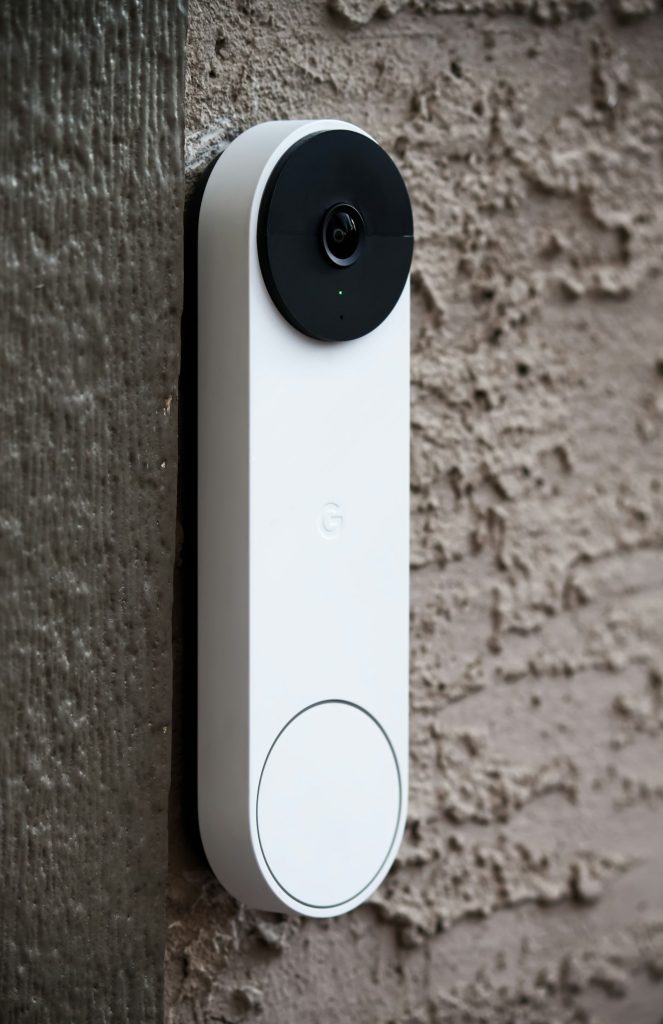
- Which features are free. Some brands put person detection, package alerts or long clip history behind a plan. Read the feature list carefully.
- Storage size and type. Check the maximum microSD size and whether the card is included.
- Indoor or outdoor rating, and whether it needs an outlet, a battery or solar power.
- Resolution and night vision. 2K is plenty for most homes.
- App and ecosystem. Check it works with Alexa, Google Home or Apple Home if you use one.
- Security features. Look for two-factor login and, ideally, end-to-end encryption.
Tips for reliable local recording
- Use a high-endurance microSD card, designed for constant recording; ordinary cards can wear out quickly.
- Choose motion-only recording to stretch storage, or 24/7 recording if you want everything.
- Check footage every so often to confirm the card is still recording.
- Hide or secure the camera so a thief cannot simply pull out the card.
- Put cameras on a separate network for smart devices and keep their firmware updated.
How to set up a camera with local storage
- Format the microSD card in the camera’s app before first use, so it is set up correctly for that camera.
- Choose a recording mode: motion-only to save space, or continuous if you want a full record.
- Set activity zones so the camera ignores busy streets, trees or a TV that would trigger constant clips.
- Turn on the free smart detection the camera offers, such as person or pet alerts, to cut down on notifications.
- Set up two-factor login on the camera account.
- Test playback from outside your home Wi-Fi, using mobile data, to make sure remote viewing works.
- Note the card’s purchase date. Constant recording wears cards out, so plan to replace them every so often.
Once it is running, check the clip history occasionally. A camera that silently stopped recording because the card filled up or failed is the most common problem with local storage.
Privacy and the rules
Point cameras at your own property, not into neighbors’ windows or yards. Recording audio can be restricted in some places, so check local rules before turning on the microphone outdoors. Renters should read the lease before mounting anything outside; see our video doorbell guide for renters for no-drill options.
Products mentioned in this article
- Tapo C120 – budget camera that records to a microSD card
- eufy Indoor Cam S350 – indoor pan-and-tilt camera with local storage
- Reolink E1 Zoom – indoor camera with optical zoom and local storage
- High-endurance microSD card – made for continuous recording
As an Amazon Associate, HomePilot earns from qualifying purchases. Check the listing for current price and compatibility with your home.
Comparing cameras? HomePilot Picks gathers the cameras, doorbells and smart home gear we have researched.
Frequently asked questions
Are there security cameras with no monthly fee?
Yes. Many cameras from brands such as TP-Link Tapo, Eufy, Reolink, Lorex and Swann store video locally on a memory card, home base or recorder, with no mandatory subscription.
How do cameras without a subscription store video?
On a microSD card inside the camera, a home base or hub, a network video recorder, or limited free cloud storage, depending on the brand.
What happens if someone steals a camera with local storage?
If the footage is only on the camera’s memory card, it goes with the camera. A home base, NVR or cloud backup keeps a copy elsewhere.
How much storage do I need?
It depends on resolution, the number of cameras and whether you record continuously or only on motion. Motion-only recording on a large microSD card typically holds weeks of clips.
Is a cheap camera without a subscription safe?
It can be. Choose a known brand, turn on two-factor login, change default passwords, keep the firmware updated, and put cameras on a separate network.