
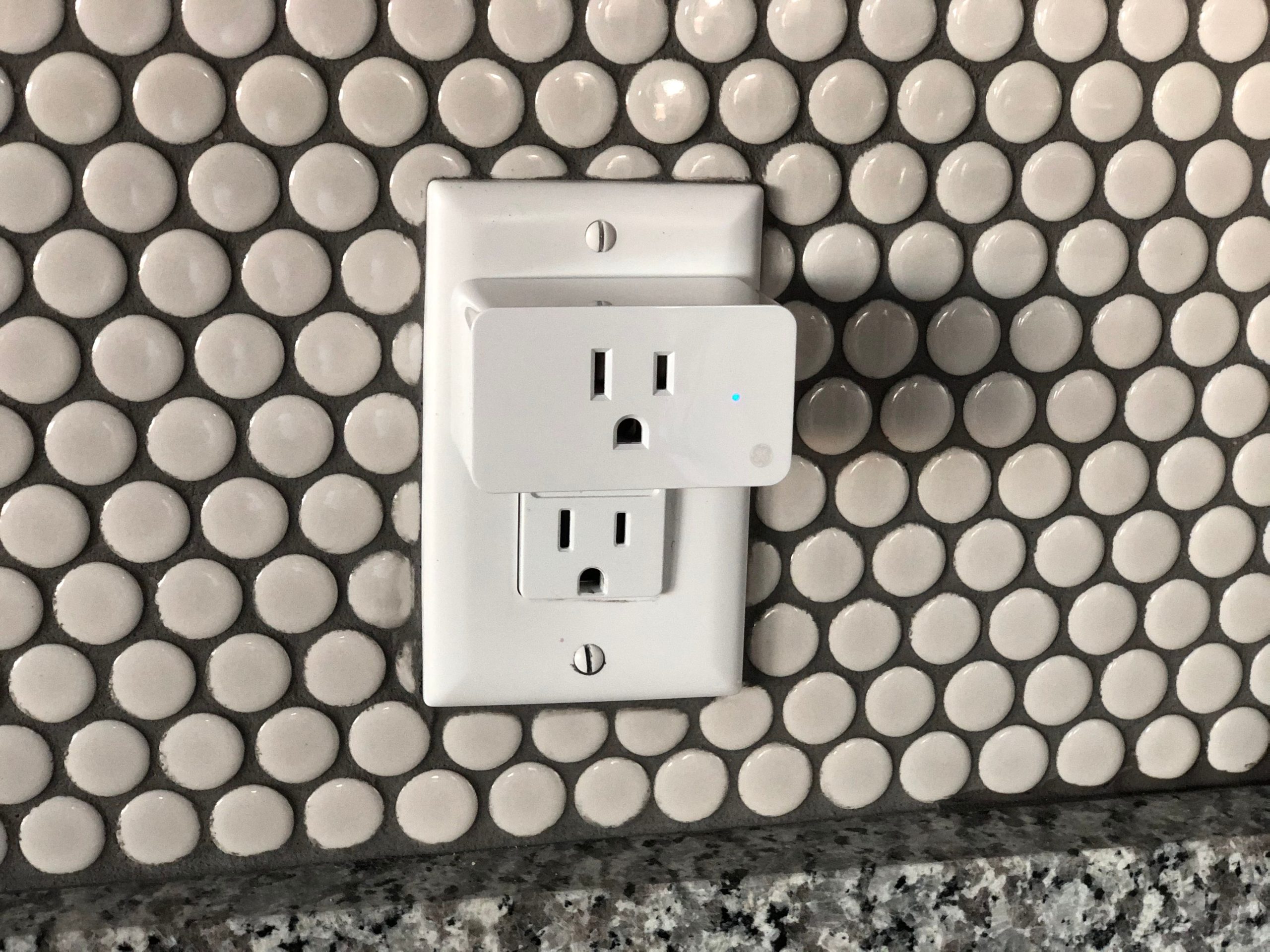

Someone in an online smart home community once plugged an energy monitor into an old chest freezer just out of curiosity. What they found was not curiosity fuel, it was a warning: the freezer was drawing 180 watts nonstop instead of cycling on and off like a healthy compressor should. It was dying, quietly costing an extra $23 a month, and would have kept doing that for years before finally failing outright. The plug caught it first.
That is the entire case for energy monitoring smart plugs. You cannot cut what you cannot see, and most of us have no idea which devices in our home are quietly draining money.
Where the Money Actually Goes
According to the U.S. Department of Energy, standby power alone, electronics drawing power while switched off or idle, can account for 5 to 10 percent of a home’s total electricity use. That is the old chest freezer in the garage, the entertainment center that never fully powers down, or the space heater that costs far more to run than most people assume. An energy monitoring plug is what actually catches these, rather than leaving you to guess.
What to Actually Look For
- kWh tracking, not just watts. Wattage shows what a device is drawing right now. Kilowatt-hours show accumulated use over time, which is what your bill actually reflects. Confirm a plug tracks kWh before buying, not just instantaneous wattage.
- Accuracy expectations. These are not billing-grade meters. The better models land within about 3 to 5 percent of a calibrated reference meter, which is plenty to catch a high-draw appliance but not exact to the penny.
- Matter support for cross-platform on/off control, though detailed energy history usually still routes through the manufacturer’s own app.
- Genuine safety certification (UL or ETL), not just a printed logo. This matters more on a device that stays plugged in and under load constantly.
Top Recommendations (2026)
| Pick | Device | Best For | Typical Price |
|---|---|---|---|
| Budget Pick | TP-Link Kasa KP125M | The most consistently recommended pick across independent testing; Matter support, accurate to roughly 1-3% | ~$13–$15 |
| Best Overall | TP-Link Kasa EP25 | Dual independently-controlled outlets, ideal for monitoring two devices sharing one wall plate | ~$20–$25 |
| Premium Pick | Eve Energy | Thread-based, built for Apple Home households, strengthens your existing Thread mesh network | ~$40 |
How to Actually Use One
Do not just buy one and plug it into whatever is nearest the outlet. Start with your biggest suspects: an older refrigerator or freezer, a space heater, a window AC unit, or an entertainment center. Let it run for a full week to catch both active and standby draw, then check the weekly kWh total against what you would expect the device to use. A refrigerator that never seems to enter its low-power cycle is often a sign it is dying, not just old.
Pairing an energy monitoring plug with a smart thermostat gives you the two biggest pieces of your energy picture at once: heating and cooling, plus everything else plugged into your walls.
Installation Difficulty
Very Easy. Plug it into any standard outlet, pair it with an app in under 2 minutes, no wiring or tools involved.
Last Updated: August 2026