
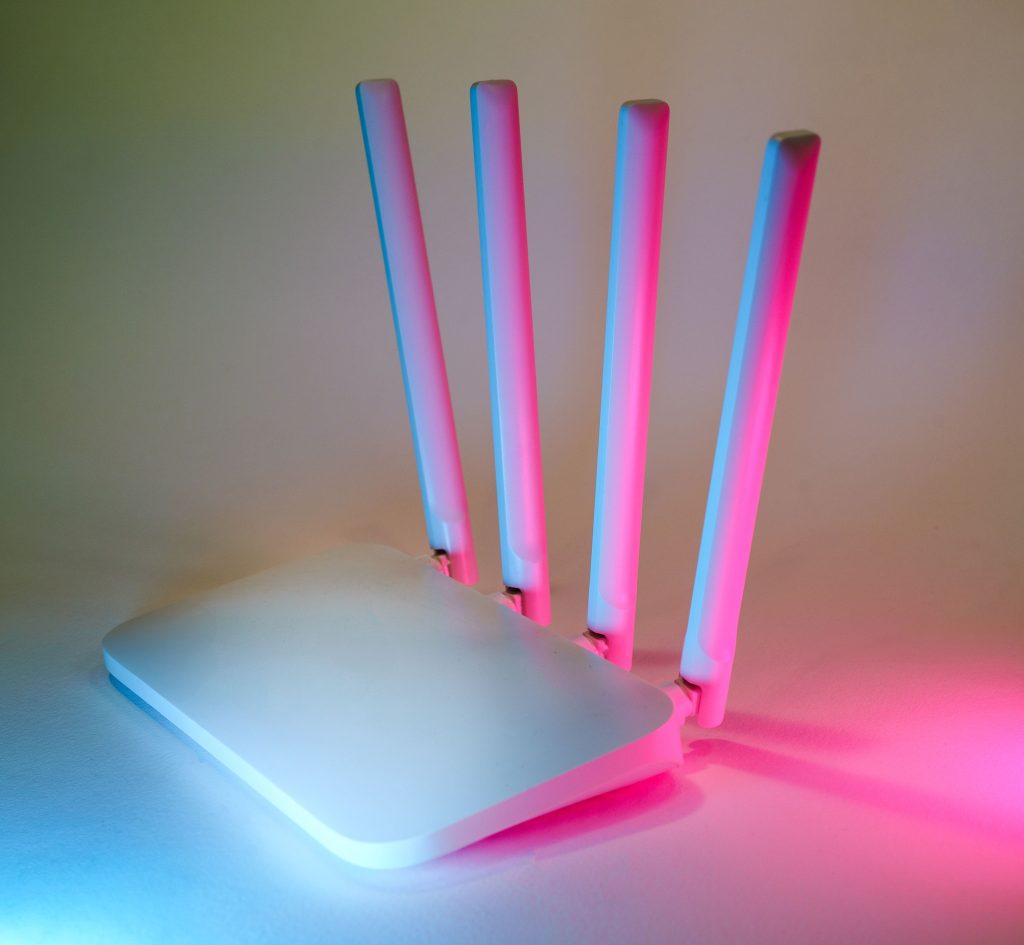
Every smart device in your home depends on one thing working reliably: your Wi-Fi. Before adding more gadgets, it’s worth making sure the network underneath them can actually keep up.
What It Is
Connectivity covers the routers and mesh Wi-Fi systems that blanket your home in signal. A mesh system uses multiple nodes placed around your house instead of a single router, eliminating the dead zones and weak spots that come with distance and walls.
Why You Need It
A smart home is only as reliable as its network. If your router struggles to cover the house, you’ll see smart devices randomly showing as offline, slow response times, and dropped connections, problems that look like a broken device but are actually a Wi-Fi problem.
Key Features to Look For
- Wi-Fi 6E or Wi-Fi 7, adds a 6GHz band that reduces congestion in homes with lots of connected devices
- Coverage area vs. your home’s size, manufacturer coverage claims are best-case; account for walls and floors
- Device capacity, smart homes with 30+ devices need a system rated for high device counts
- Wired backhaul option, connecting mesh nodes via ethernet (where possible) is faster and more reliable than wireless backhaul
- Subscription-gated features, some brands lock parental controls or advanced security behind a monthly fee; check before buying
Top Recommendations (2026)
| Pick | Device | Best For | Typical Price |
|---|---|---|---|
| Budget Pick | TP-Link Deco X55 or Amazon eero 6+ (2-3 pack) | Homes under 3,000 sq ft with a standard internet plan | ~$150–$220 |
| Best Overall | TP-Link Deco XE75 (Wi-Fi 6E) | Larger homes or gigabit internet with lots of connected devices | ~$280–$330 |
| Premium Pick | Netgear Orbi 770 (Wi-Fi 7) | Big homes, heavy streaming/gaming, and dozens of smart devices at once | ~$400–$600 |
Rule of thumb: homes with thick concrete or plaster walls should budget for one extra node beyond what the package size suggests, those materials cut Wi-Fi range noticeably more than standard drywall.
Installation Difficulty
Easy. Mesh systems are designed for app-guided setup, plug in the main unit, then place satellite nodes where the app recommends. No networking expertise required for a standard home.
Not sure what speed you actually need first? Try our Internet Speed Calculator to get a real number based on your household’s actual usage.
A strong network is the foundation everything else builds on. Once yours is solid, pair it with a smart home hub to actually start automating your devices.
Last Updated: August 2026
Guides and fixes in this topic
- How Much Electricity Does a Wi-Fi Router Use? (And Is Turning It Off at Night Worth It?)
- How to Connect a 2.4GHz-Only Smart Device to a Dual-Band or Mesh Router
- How Much Internet Speed Do You Actually Need? (Clearing Up the ISP Upsell)
- Is Your Internet Actually Too Slow, or Is It Something Else?
- Why Your Smart Plug Says Offline Even Though It’s Still Working
Not sure where to begin? Start with the beginner’s guide or try a free calculator.