
A 1-gigabit internet plan and a 100 Mbps plan will play the exact same 4K Netflix episode without a single dropped frame — the extra 900 Mbps you’re paying for every month almost never gets used by a typical household, no matter how many smart bulbs, streaming boxes, and laptops are connected. Here’s what your home actually needs, activity by activity, and where extra speed genuinely starts to matter.
The Quick Verdict
- The FCC’s own definition of “adequate” broadband, updated in 2024, is just 100 Mbps down / 20 Mbps up — a fraction of what gigabit plans advertise
- Netflix’s current guidance: 3 Mbps for HD, 5 Mbps for Full HD, 15 Mbps for 4K — even four simultaneous 4K streams only adds up to about 60 Mbps
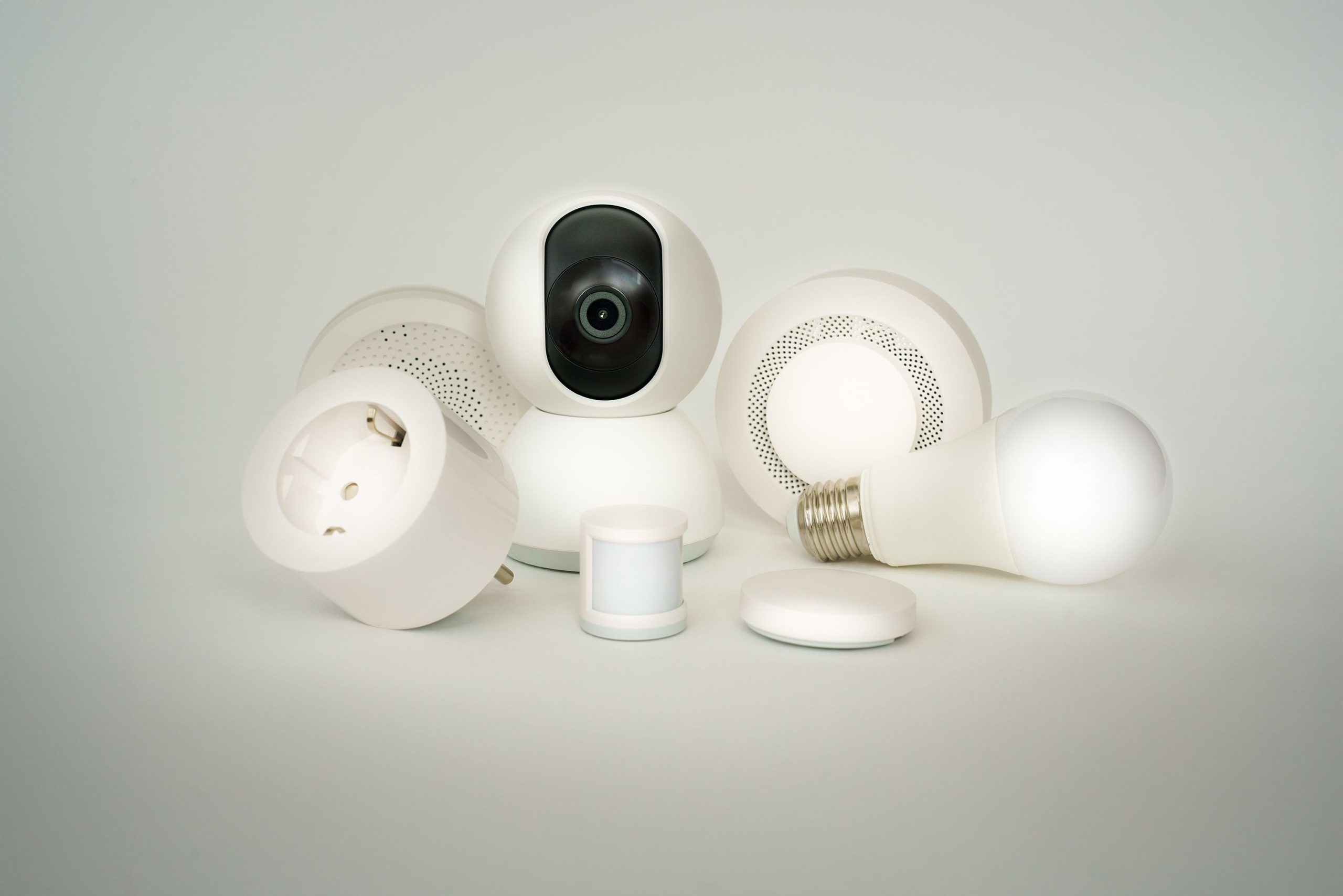
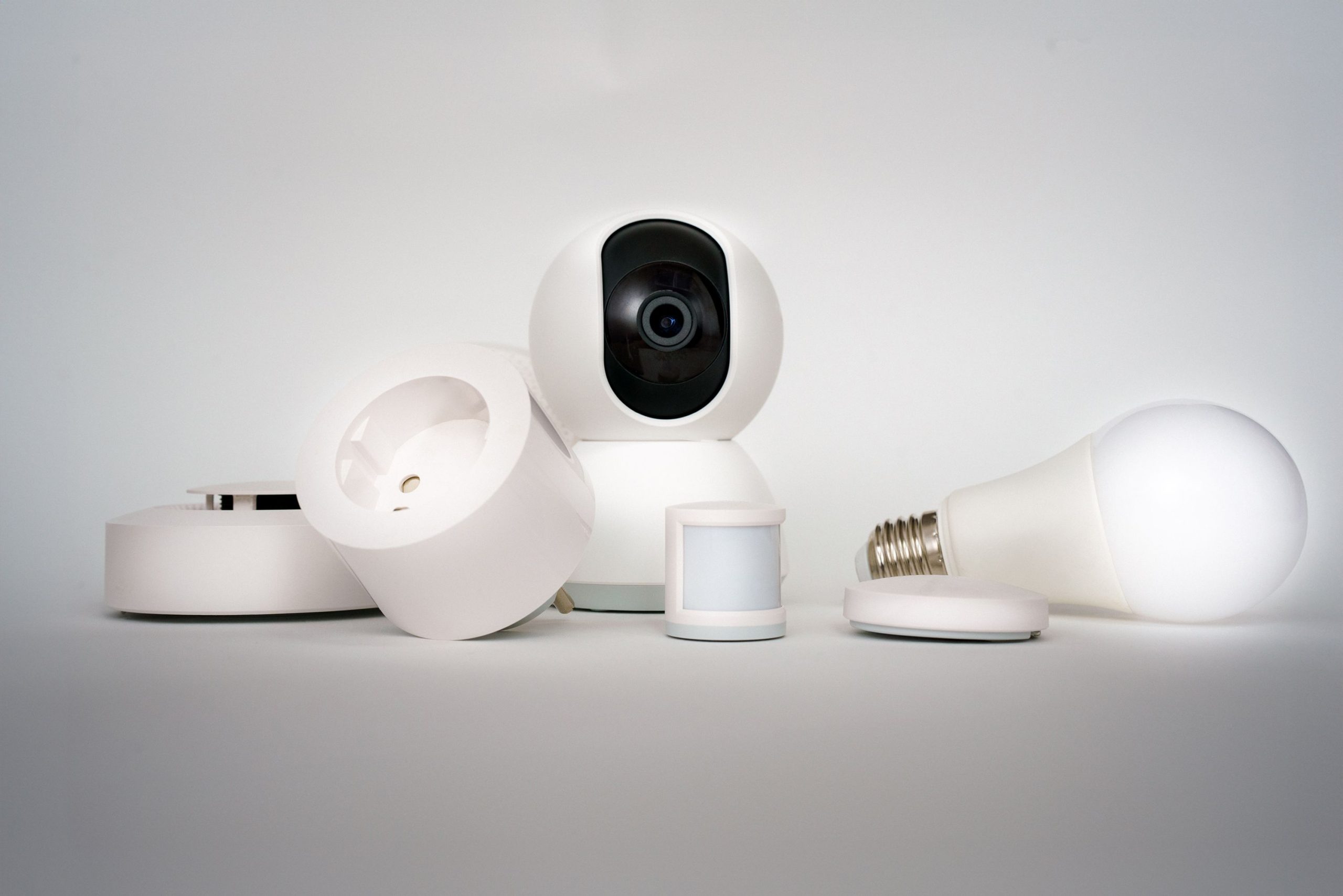
- Smart home devices barely register on your bandwidth: a smart bulb or plug uses a few kilobits per second for status updates, not megabits — device count is a Wi-Fi coverage problem, not an ISP speed problem
- Upload speed, not download, is what actually limits video calls and cloud backups — many “gigabit” plans still cap upload at 20–35 Mbps, which matters more for remote work than the download number ISPs advertise
- Most households of four or fewer people are comfortably served by 200–300 Mbps; 1–2 Gbps plans mostly pay for marketing headroom, not day-to-day need
What Each Activity Actually Needs
| Activity | Recommended Speed |
|---|---|
| Web browsing / email | Under 5 Mbps |
| Video call (1-on-1, HD) | 1.5–4 Mbps |
| Full HD (1080p) streaming | 5 Mbps |
| 4K (UHD) streaming | 15 Mbps |
| Online gaming | 3–6 Mbps (latency matters more than speed) |
| Cloud backup / large file upload | 10+ Mbps upload |
Gaming is the outlier on this list: raw speed matters far less than latency (ping) and consistency. A 500 Mbps connection with high, jittery latency will feel worse than a 25 Mbps connection with a stable, low ping — buying more download speed to fix lag is one of the more common wastes of money on this whole list.
The Household Bandwidth Chart
| Household Profile | Recommended Plan |
|---|---|
| 1–2 people, light use (browsing, HD streaming, email) | 25–100 Mbps |
| 2–4 people, moderate use (some 4K, video calls, gaming) | 100–300 Mbps |
| 4–6 people, heavy use (multiple simultaneous 4K, gaming, calls) | 300–500 Mbps |
| Remote-work households with large uploads or content creation | 500 Mbps–1 Gbps |
The Two Upsell Traps
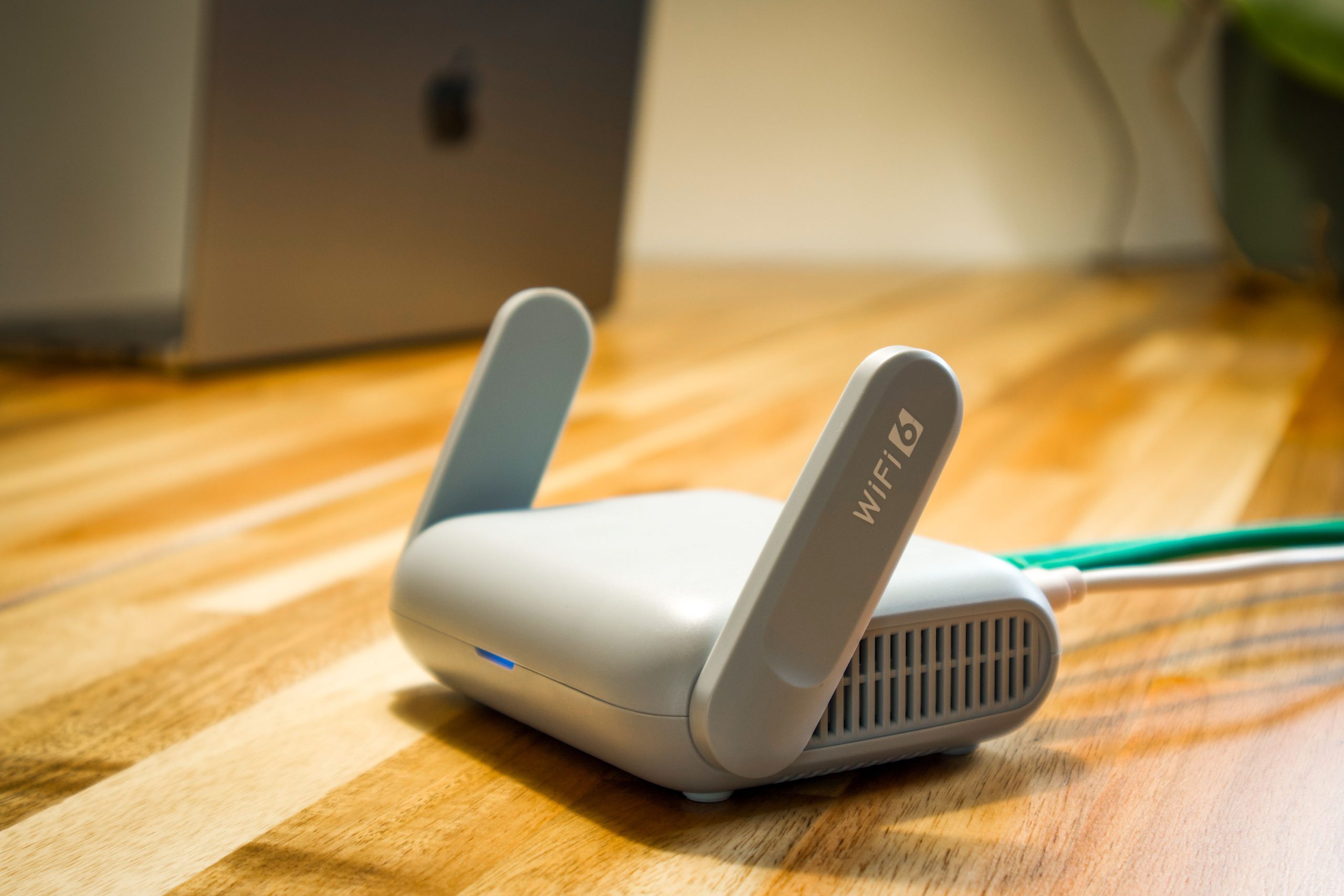
- Conflating Wi-Fi coverage with ISP speed. Dead zones and device dropouts on the far side of the house are almost always a router placement or coverage problem, not a lack of raw speed from your provider — a better router or a mesh system usually fixes what a bigger plan won’t.
- Download-only marketing. “Up to 1 Gbps” ads almost always describe download speed alone. Check the advertised upload speed separately — that’s the actual bottleneck for video calls, cloud backups, and increasingly, uploading footage from smart security cameras.
Do the Math for Your Household
Take a family of four: two adults on video calls for work, a teenager gaming and streaming, and a household full of smart home devices running in the background.
- Two simultaneous 4K streams: ~30 Mbps
- One HD video call: ~4 Mbps
- One gaming session: ~6 Mbps
- Smart home background traffic (thermostat, cameras, various device status pings): ~10 Mbps buffer
That’s roughly 50 Mbps at simultaneous peak. Even doubling it for comfortable headroom lands around 100–150 Mbps — comfortably covered by a 200–300 Mbps plan, nowhere close to needing the 1 Gbps tier most ISPs push hardest.
Check Your Own Numbers
The Home Internet Speed Calculator walks through your household’s actual device count and habits instead of relying on averages, so you’re not guessing at the plan tier you need. If you’re weighing a whole-home connectivity upgrade — mesh Wi-Fi, wired backhaul, smart home hub placement — our Connectivity buying guide covers what actually matters for a device-dense home, and the Smart Home Hubs guide is the next stop if device count, not ISP speed, turns out to be your real bottleneck.
The One Upgrade Most Homes Actually Need
If you’re seeing buffering or dropouts, try moving your router or adding a mesh point before calling your ISP to upgrade your plan. For most households, the bottleneck between the living room and the router is Wi-Fi coverage, not the number printed on your bill.