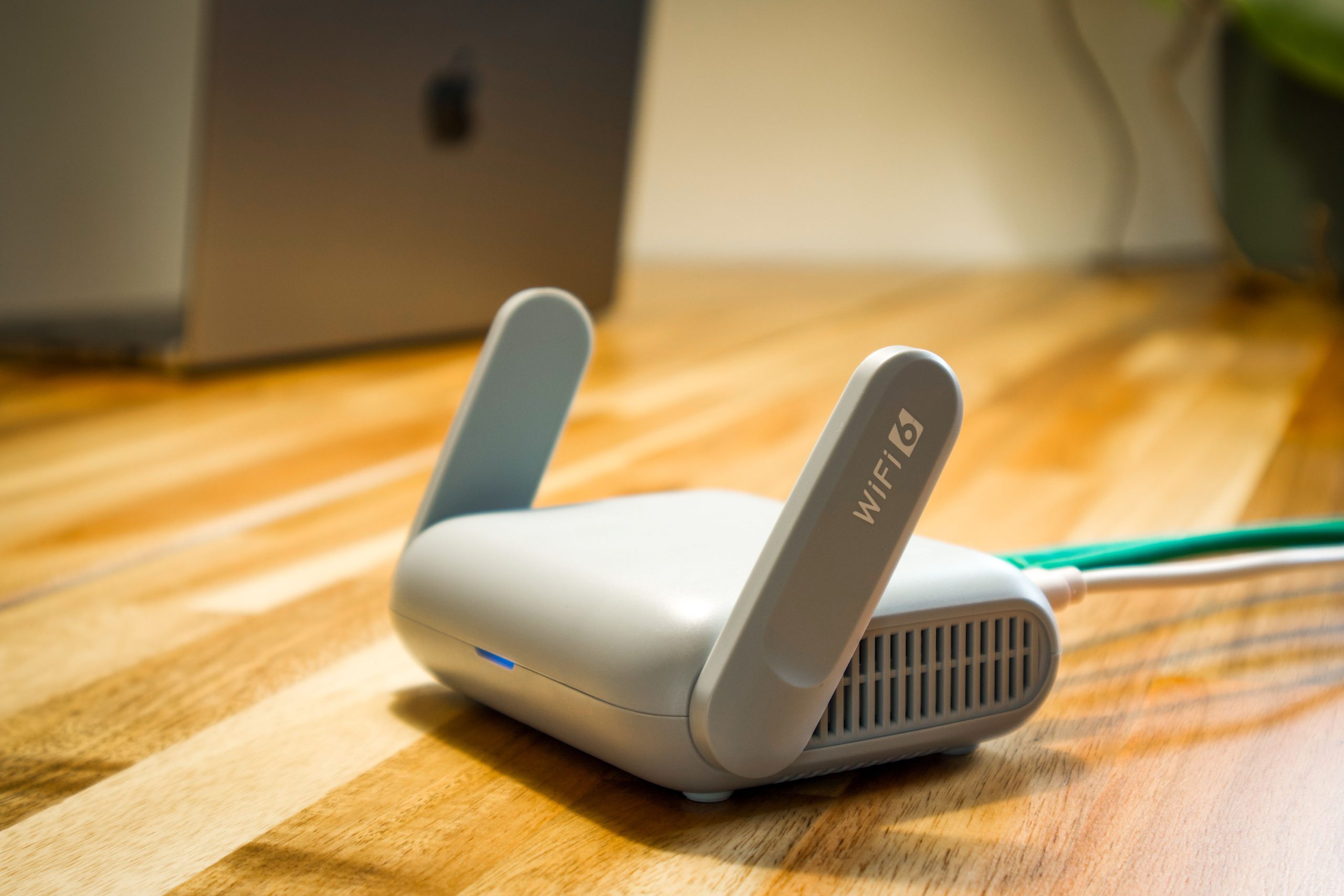

Your router is the one device in the house that never gets a day off. It sits in a corner, blinking, from the day you set it up until the day it dies. That raises a fair question: what does all that blinking cost, and is there any point switching it off at night?
Short answer: a typical Wi-Fi router uses about 5 to 20 watts, with 10 watts a safe average. That is around 88 kWh a year, or roughly $14 to $26 a year at 16 and 30 cents per kWh. Cheap enough that turning it off rarely pays.
What a router costs to run
Because it runs 24 hours a day, 365 days a year, the maths is simple: watts times 8.76 gives kWh per year. Multiply by your rate to get the cost.
| Router power | kWh per year | Cost per year at 16¢ | Cost per year at 30¢ |
|---|---|---|---|
| 5 W (efficient) | 43.8 kWh | $7.01 | $13.14 |
| 10 W (typical) | 87.6 kWh | $14.02 | $26.28 |
| 20 W (power-hungry) | 175.2 kWh | $28.03 | $52.56 |
Traffic matters a little. A router pushing a 4K stream or a big download works harder than one sitting idle, but the difference is small next to the all-day baseline.
Mesh systems cost more
Each mesh node is its own small router, so every extra box adds its own trickle of power. A three-piece mesh at about 10 watts each is roughly 263 kWh a year, which is about $42 at 16¢ and $79 at 30¢. That is still modest, but it is three times the cost of one router. If you have a node in a room you never use, unplugging it is the easiest saving. Just be aware that it may weaken your coverage, so see our guide to connecting a 2.4GHz-only smart device to a mesh router before you change anything.
Is turning it off at night worth it?
Let us do the math. Switching a 10 watt router off for 8 hours every night saves about 29 kWh a year. That is about $4.70 at 16¢ and $8.75 at 30¢. Real, but small, and it comes with annoyances:
- Smart plugs, cameras, doorbells and sensors lose their connection and may need to reconnect each morning. Our guide on smart plugs that show offline explains how that can go wrong.
- Overnight updates, backups and security cameras stop working while it is off.
- Some routers take a few minutes to restart fully, which is a nuisance if you use your phone as an alarm or check a camera.
For most households, the savings do not justify the hassle. If you still want to try, a timer or schedule built into the router is better than a smart plug, since it restarts cleanly. Also read how much standby power a smart plug itself uses before adding one more device to save a few dollars.
Ways to spend less without switching it off
- Use one good router instead of several extenders. Each extra box is another always-on device.
- Replace very old hardware only if you also need the speed. A newer model can draw a little less, but the saving is a few dollars a year.
- Keep the router ventilated. A hot, dusty router works less efficiently and wears out sooner.
- Make sure you are paying for the speed you need. See how much internet speed you actually need or how to tell if your internet is too slow.
How to measure your own router
Plug it into an energy-monitoring plug for a few days and read the average watts. Then use our appliance running cost calculator with your own electricity rate. For more on getting the best from your home network, visit the connectivity guide.