
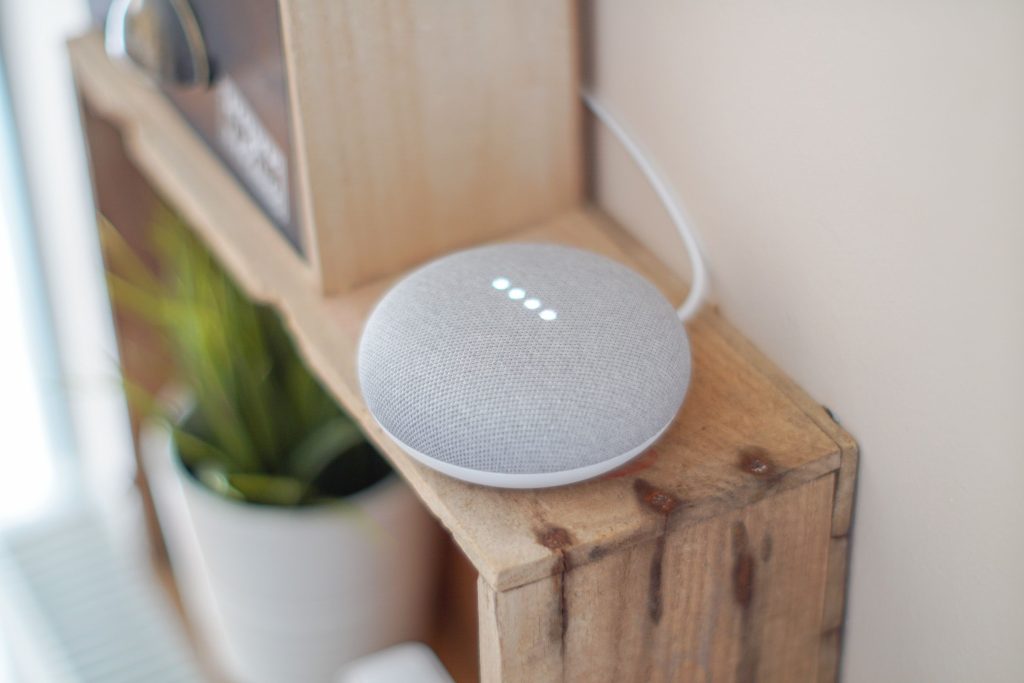
If you own more than a couple of smart devices, chances are they don’t all speak the same language yet. A smart home hub is what ties your lights, locks, sensors, and speakers together into one system you can actually control, instead of juggling five different apps.
What It Is
A smart home hub is a central device that connects and coordinates your other smart devices. Modern hubs typically act as a Matter controller and Thread Border Router, which lets devices from different brands work together instead of being locked into separate ecosystems.
Why You Need One
Once your smart home grows past a bulb or two, a hub becomes genuinely useful: it lets devices automate together (like a motion sensor triggering a light), and many hubs process routines locally, so your lights and locks keep working even if your internet goes down.
Key Features to Look For
- Matter certification, ensures cross-brand compatibility with most new devices
- Thread Border Router support, needed for many battery-powered sensors and locks
- Local vs. cloud control, local processing means your automations still work during an outage
- Voice assistant compatibility, Alexa, Google Assistant, or Siri, depending on your ecosystem
- Zigbee/Z-Wave support, important if you already own older smart devices
Top Recommendations (2026)
| Pick | Device | Best For | Typical Price |
|---|---|---|---|
| Budget Pick | Amazon Echo Dot (5th Gen / Max) | Simple setups already using Alexa; built-in Zigbee/Thread | ~$50–$100 |
| Best Overall | Amazon Echo Hub or Samsung SmartThings Station | Multi-brand households wanting a dedicated control panel | ~$100–$180 |
| Premium Pick | Aqara Hub M3 | Power users wanting the broadest Matter/Thread/Zigbee coverage | ~$150–$250 |
Apple households should also consider a HomePod mini or HomePod (2nd Gen) as their hub, it works automatically with HomeKit devices and requires almost no setup.
Installation Difficulty
Easy. Most consumer hubs (Echo, SmartThings, HomePod) just need to be plugged in and paired via an app or QR code. Power-user platforms like Home Assistant or Hubitat are more capable but require a moderate amount of setup.
Once your hub is set up, a great next step is adding smart lighting to a room you use often. And if your hub or devices keep dropping offline, the real problem is often your home Wi-Fi, not the hub itself.
Last Updated: August 2026
Guides and fixes in this topic
- Is Alexa+ Actually Good? What Independent Testing Actually Found
- IFA 2026 Just Showed Us What Your Next Smart Home Purchase Should Look Like
- Building a Smart Home on a Budget: What to Buy First (And What to Skip)
- 5 Smart Home Mistakes Beginners Make (And How to Avoid Them)
- IKEA’s Viral Donut Lamp: The $109 Catch Most Reviews Do Not Lead With
Not sure where to begin? Start with the beginner’s guide or try a free calculator.