
Last updated November 24, 2026. Reviewed by the HomePilot editorial team.
Most small apartments do not need mesh WiFi, and the box on the shelf will never admit it. Mesh kits are built for houses with stairs, basements and long hallways, not a one-bedroom where the router sits 25 feet from the bed. This mesh WiFi buying guide for small apartments shows when one router wins and when a 2-pack is worth the money.
Short answer: Under about 1,000 sq ft (roughly 90 m²) with ordinary drywall walls, buy one good router. Buy a 2-pack only if your layout is long and narrow, your walls are concrete or brick, or a dead zone survives after you move the router. A 3-pack is almost never the right call for an apartment.
Last updated October 13, 2026. Prices and stock change quickly, so check the current listing before you buy.
How many mesh points do you need? Our free mesh Wi-Fi calculator works it out from your home size, floors, walls and internet plan, and shows which eero fits.
The 3-minute test: do you need mesh?
- Run a speed test standing next to your router, ideally on a laptop connected by Ethernet. That is your best-case number.
- Run the same test in the farthest room, at the spot where you actually use Wi-Fi, such as the bed or the desk.
- If the far room gets more than about half that speed and handles what you do there, like video calls and streaming, you do not need mesh.
- If it falls short, move the router to a central, open spot at about chest height and test again before spending anything.
- Still failing? Now a 2-pack makes sense.
Judge the results against what your household actually needs, not what your plan promises. Our guide to how much internet speed you actually need has the numbers, and the Home Internet Speed Calculator does the math for your household.
What to buy for each apartment layout
| Layout | Typical size | What to buy |
|---|---|---|
| Studio or open-plan one-bedroom | Up to about 700 sq ft | One good router on a central shelf |
| One-bedroom with a closed bedroom | About 600 to 900 sq ft | One good router, moved to the middle of the unit first |
| Two-bedroom or long, narrow railroad layout | About 900 to 1,300 sq ft | Try one router first, then a 2-pack if the far bedroom stays weak |
| Concrete, brick or plaster-and-lath walls | Any size | A 2-pack, wired between nodes if you can |
| Loft or two-level apartment | About 1,000 sq ft and up | A 2-pack |
Why apartments are a different Wi-Fi problem
- Neighbors. In a building, dozens of nearby networks compete, mostly on the crowded 2.4 GHz band, which has only three non-overlapping channels in the US (1, 6 and 11). Gear with 5 GHz or 6 GHz bands sidesteps most of the crowd.
- Walls. Drywall barely slows Wi-Fi. Concrete, brick, metal studs, elevator shafts and tiled or mirrored bathrooms can block it.
- Short-range bands. 5 GHz and 6 GHz are faster and cleaner but travel less far through walls, which is why a layout with several solid walls may need a second node.
- The provider’s gateway. If your internet provider’s combo modem-router is built in, you can still add your own router behind it. Put the provider’s box in bridge mode so you do not end up with two routers fighting each other. Our mesh WiFi setup tips explain how.
- Renting. Choose compact nodes that sit on a shelf. No drilling, no ceiling mounts, and they pack up easily when you move.
Mesh WiFi for renters: what to know
- It moves with you. A mesh kit is yours, not the building’s, so it is a reasonable buy even if you move in a year. Pick one sized for a typical next home, not just this one.
- No drilling needed. Nodes plug into a wall socket or sit on a shelf. Use cable clips that peel off cleanly if you run any wires.
- Check what the building already provides. Some apartment buildings supply Wi-Fi or have Ethernet ports in each room. A port in the bedroom can be used to wire a second node, which beats any wireless setup.
- Crowded airwaves are the real problem. In a building full of neighbours’ routers, a system that uses the 5GHz and 6GHz bands copes better than an older 2.4GHz-heavy one.
- Leave the ISP box in place. Connect your mesh to the provider’s modem rather than removing it, so returning equipment when you move is simple.
Try these cheaper fixes before buying mesh
- Move the router. Get it off the floor and out of cabinets, away from the microwave and thick walls. This alone fixes a surprising number of dead zones.
- Use 5 GHz where you can. It is less crowded than 2.4 GHz in apartment buildings. Some smart gadgets only work on 2.4 GHz, so see our guide to connecting a 2.4GHz-only device to a dual-band or mesh router.
- Use a wire. If your apartment has Ethernet jacks, a second access point connected by cable beats any wireless link. If it has coax outlets in the rooms you need, MoCA adapters can carry a wired connection over them.
- Replace the provider’s router. A newer Wi-Fi 6E or Wi-Fi 7 router often fixes weak signal that an older gateway cannot.
- Skip plug-in extenders. They often cut speed and add a second network name. Powerline adapters are hit-or-miss in older buildings.
If you do buy: how to shop for a mesh 2-pack
- Wi-Fi 6 is plenty. Wi-Fi 6E or Wi-Fi 7 only matters if your building is packed with networks and you own newer devices. Our mesh WiFi buying guide for 2026 compares all three.
- Dual-band is fine. In a small apartment the two nodes are never far apart, so the extra cost of tri-band is hard to justify.
- Skip multi-gig ports unless your internet plan is above 1 Gbps.
- Pick the simple app. In a small space, easy setup matters more than 200 advanced settings.
- Check the return window. Apartment Wi-Fi depends on your walls, so a store with a generous return policy lets you test before you commit.
- Mind the US router rules. Brand-new foreign-made models now need FCC conditional approval, which is shaking up availability. The details are in our 2026 mesh buying guide.
Our pick for small apartments. The eero 7 is the simplest way into mesh WiFi, and the eero 6 is the budget alternative. These are Amazon affiliate links, so we earn a small commission if you buy, at no extra cost to you.
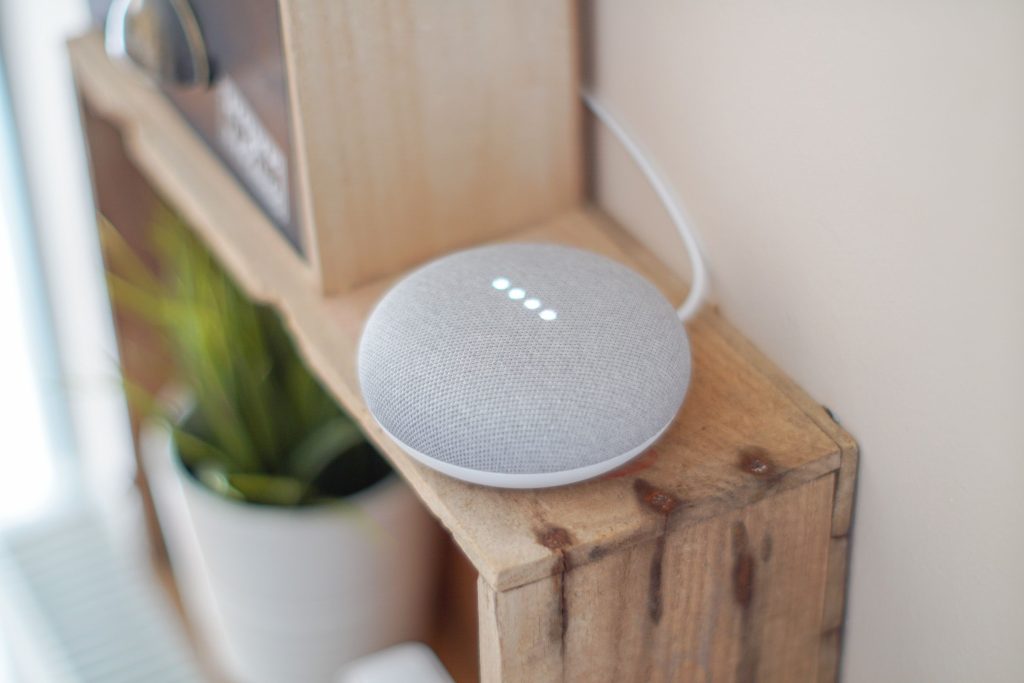
Expect to spend from around $100 for an older entry-level kit on sale to a few hundred dollars for a current Wi-Fi 7 2-pack. For a small apartment, the cheaper end is usually enough.
Place the first node next to your modem or the provider’s gateway. Put the second one about halfway to the weak room, in the open, and not inside the dead zone itself.
Quick answers
Is mesh Wi-Fi worth it for a small apartment?
Usually not. A single good router covers most apartments under about 1,000 sq ft. Mesh is worth it if you have a long layout, concrete or brick walls, or a stubborn dead zone that moving the router did not fix.
How many mesh nodes does a small apartment need?
Two at most: one by the modem and one about halfway to the weak room. A third node adds cost and power draw without adding much coverage in a small space.
Where should I put mesh nodes in an apartment?
In the open, on a shelf or table at about chest height, away from cabinet doors, TVs and big metal objects, and not inside the dead zone. Our mesh WiFi setup tips cover the full placement checklist.
Do the math before you shop. The cheapest way to avoid overbuying is to know what speed you actually need. Try our free Home Internet Speed Calculator, then browse the rest of our free home calculators.
Sources
🏠 Small space, smart choices. Before you buy anything for your apartment, see the routers, hubs and gadgets HomePilot has researched and recommends, picked for real homes rather than spec-sheet bragging rights.
Frequently Asked Questions
Do I need mesh WiFi in a small apartment?
In most one- and two-bedroom apartments, no. A single modern router placed in a central spot usually covers the whole space.
What should I try before buying a mesh system?
Move the router out of a closet or corner and up off the floor, update its firmware, and pick the less crowded channel. These free fixes solve many weak-signal problems.
Is a 2-pack too much for a small space?
Often, yes. A single router or a one-node system may be enough, and you can add a second node later if a bedroom still has a weak spot.
Can neighbors’ networks slow my apartment WiFi?
Yes. In apartment buildings many networks compete for the same channels. Using the 5 GHz band and a newer WiFi standard helps reduce interference.