
Last updated November 1, 2026. Reviewed by the HomePilot editorial team.
The delivery app says your package arrived an hour ago. The hallway is empty. In a rental, you cannot just screw a doorbell camera into the door frame and run wires to it, and the building’s buzzer will not tell you who knocked while you were out. You can still get a video doorbell. You just need one designed for people who are not allowed to drill.
By the HomePilot Team · Updated November 1, 2026 · Products and mounts checked in October 2026 · How we research
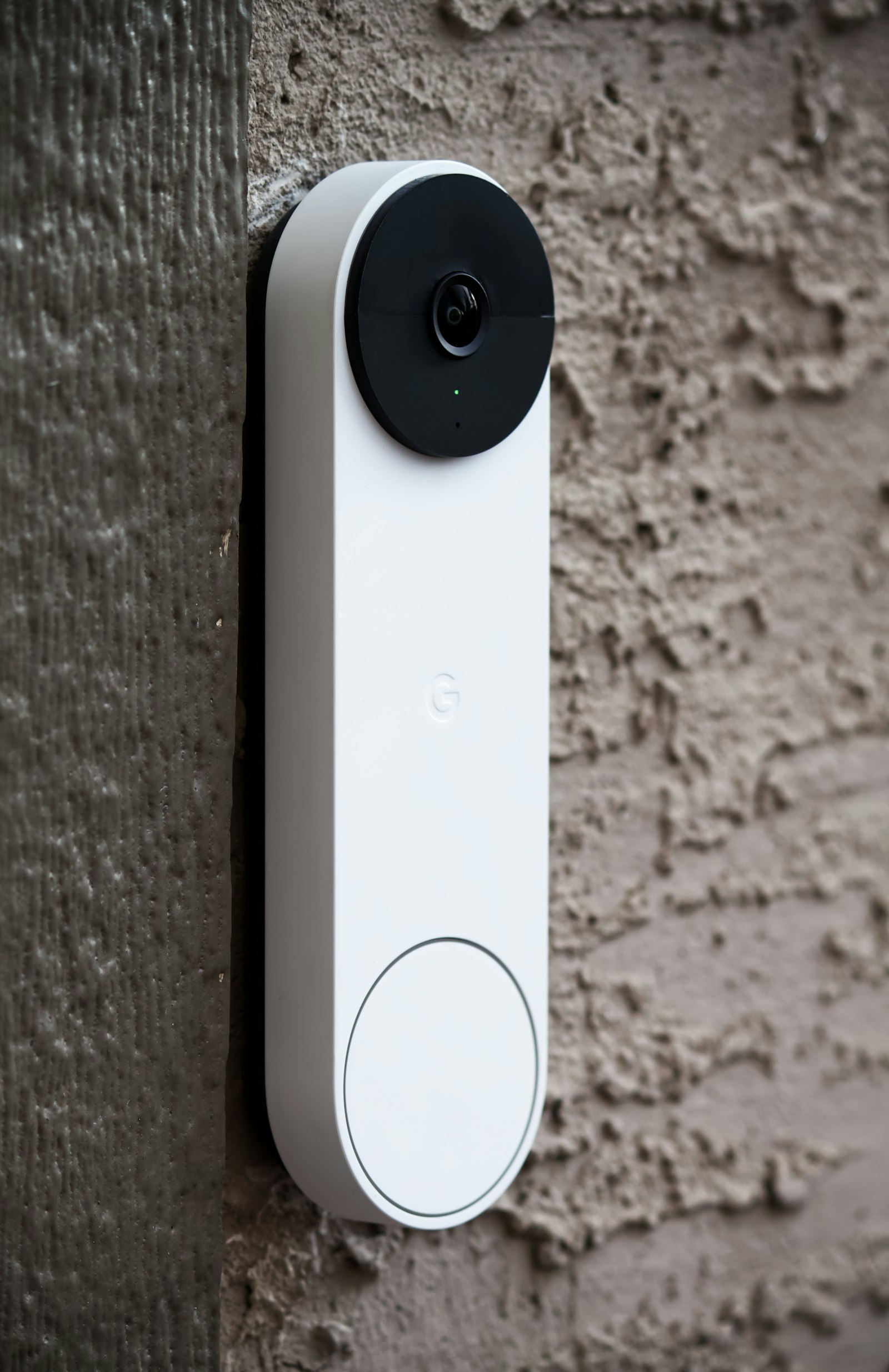
Short answer: the best video doorbells for renters are battery-powered models, which need no wiring, attached with a no-drill mount: either a strong adhesive mount, such as Ring’s official one for its battery doorbells, or a bracket that clamps over the top of the door. A peephole camera is another option that replaces the existing peephole with no drilling. If you want to avoid a monthly fee, choose a model that stores video locally. Ask your landlord first, and be mindful of neighbors in shared hallways.
Key takeaways
- Battery + no-drill mount = no holes, no wires, nothing left behind.
- A peephole camera fits through the hole your door already has.
- Several brands only save recorded video with a paid plan; local-storage models avoid it.
- Your Wi-Fi must reach the front door, which can be a problem with metal doors or long hallways.
Three renter-friendly ways to add a video doorbell
| Option | How it installs | Best for | Watch out for |
|---|---|---|---|
| Battery doorbell + adhesive mount | Strong adhesive strip on the door frame or wall | Most apartments and rentals | Clean, smooth surfaces only; cold can weaken adhesive |
| Battery doorbell + over-the-door bracket | Hooks or clamps over the top or edge of the door | Doors with no flat spot beside them | Check the door still closes and seals properly |
| Peephole camera | Replaces the existing peephole viewer | Apartment doors with a standard peephole | Peephole size and door thickness must match |
Ring sells an official no-drill mount for its battery doorbells that attaches with weather-resistant adhesive and comes off by pulling the strips. Several brands’ battery doorbells, including models from Arlo and Wyze, are marketed for renters because they need no hardwiring.
Subscription or local storage?
This is the cost most people miss. Many video doorbells show you a live view and send alerts for free, but only save recordings, so you can watch what happened while you were busy, if you pay for a cloud plan. Others store clips on the doorbell itself or on a home base. SmartHomePerfected, for example, reported that the eufy E340 keeps about 30 days of clips on 8 GB of built-in storage without a subscription.
| Storage type | Monthly cost | Trade-off |
|---|---|---|
| Cloud plan | Ongoing fee | Clips are safe even if the doorbell is stolen |
| Built-in or memory card | None | Clips are lost if the doorbell is taken |
| Home base or hub | None after purchase | Extra device to buy, but more storage |
For more fee-free options, see our guide to security cameras without a subscription.
Things renters in apartment buildings should check
- The lease and building rules. Some buildings restrict anything mounted in common hallways. Ask in writing.
- Neighbors’ privacy. Aim the camera at your own door and use privacy zones to block neighbors’ doors and the wider hallway. Some places have rules about recording audio, so check yours.
- Wi-Fi at the door. Stand at the door with your phone and run a speed test. Metal doors and long corridors weaken the signal. A mesh node or extender nearby helps; see do Wi-Fi extenders work.
- The building buzzer. A video doorbell does not replace the lobby intercom. Delivery drivers may still buzz the main entrance.
- Theft. Hallway doorbells are easier to steal. Anti-theft brackets that lock the doorbell in place are sold for many battery models.

How to install a battery doorbell without drilling
- Charge the battery fully and set the doorbell up in its app before mounting it.
- Test the spot. Hold the doorbell where you plan to mount it and check the live view and Wi-Fi signal in the app. Around 4 feet off the ground is a common recommendation.
- Clean the surface with rubbing alcohol and let it dry.
- Attach the no-drill mount and press firmly for the time the instructions give. Many adhesives need a day to reach full strength before you hang the doorbell.
- Attach the doorbell, then set motion zones and privacy zones so it ignores the hallway and neighbors’ doors.
- Pair a chime if you want an indoor sound; many brands sell plug-in chimes, or your smart speaker can announce visitors.
Battery life and cold weather
Battery doorbells typically last weeks to months per charge, depending on how busy your door is and how sensitive you set motion detection. Arlo, for example, quotes about six months for its Essential Wireless Video Doorbell. Busy hallways, frequent live viewing and cold weather all drain batteries faster, so lower motion sensitivity and shrink the motion zone to make a charge last longer. A spare battery pack, where the model supports it, avoids downtime while one charges.
If your landlord says no to a doorbell
Some buildings will not allow anything on the outside of the door. You still have options that stay entirely inside your apartment:
- An indoor camera facing the door. Placed on a shelf, it shows who comes in and can alert you to motion. See our guide to cameras without a subscription.
- A door contact sensor. A small adhesive sensor tells your phone whenever the door opens.
- Package delivery instructions. Many delivery apps let you leave instructions, such as using a parcel locker or the building’s mail room.
- A smart lock with an activity log, which records each time the door is locked or unlocked.
These are less convenient than a doorbell, because you will not see someone standing outside before they knock, but they leave the outside of the door untouched.
Moving out
- Remove the doorbell from the app and factory reset it.
- Peel adhesive mounts off slowly, pulling the tab straight along the surface.
- Reinstall the original peephole viewer if you used a peephole camera.
- Cancel any subscription tied to the address.
Planning a full rental setup? Start with our renter-friendly smart home guide and smart locks for renters.
Products mentioned in this article
- Ring Battery Doorbell + No-Drill Mount – battery doorbell with an adhesive mount
- Wyze Battery Video Doorbell – battery doorbell marketed for renters
- Arlo Essential Wireless Video Doorbell – wire-free battery doorbell
- eufy Video Doorbell E340 – dual-camera doorbell with built-in storage
As an Amazon Associate, HomePilot earns from qualifying purchases. Check the listing for current price and compatibility with your home.
Comparing doorbells? HomePilot Picks gathers the doorbells, cameras and smart home gear we have researched.
Frequently asked questions
Can I install a video doorbell in an apartment?
Usually yes, with a battery model on a no-drill mount or a peephole camera. Check your lease and building rules first, and ask your landlord in writing.
How do I install a doorbell camera without drilling?
Use a battery-powered doorbell with an adhesive no-drill mount, such as Ring’s official mount for its battery doorbells, or a bracket that hangs over the door.
Do video doorbells need a subscription?
Many work without one for live view and alerts, but some only save recordings with a paid plan. Models with local storage avoid monthly fees.
Is a peephole camera a good option for renters?
Yes, if your door has a standard peephole. It replaces the viewer with no drilling, and you can reinstall the original when you move.
Will my Wi-Fi reach my apartment door?
Test it with a phone speed test at the door. Metal doors and long hallways weaken the signal, so you may need a mesh node or extender nearby.