
Last updated November 1, 2026. Reviewed by the HomePilot editorial team.
You have juggled grocery bags while digging for keys. You have handed a spare key to a dog walker and wondered where it ended up. A smart lock fixes both problems, but renters face a catch homeowners do not: the lock on your door is not yours. Rip it out, and you may be paying for a locksmith out of your deposit. The answer is a smart lock that never touches the outside of the door at all.
By the HomePilot Team · Updated November 1, 2026 · Prices and features checked in October 2026 · How we research
Short answer: the best smart locks for renters are retrofit locks that mount over or replace only the inside thumb turn of your existing deadbolt. The outside of the door, the keyhole and the landlord’s key all stay exactly the same, and you can remove the lock in minutes when you move. Popular options include the SwitchBot Lock Pro, listed at $119 and often on sale, and the August Wi-Fi Smart Lock, listed at $199.99. Check your lease and your deadbolt type before buying.
Key takeaways
- Retrofit locks keep the original key and outside hardware, which is what most landlords care about.
- Your deadbolt must turn smoothly; a sticky bolt drains batteries and causes jams.
- If the batteries die, the original key still works from outside.
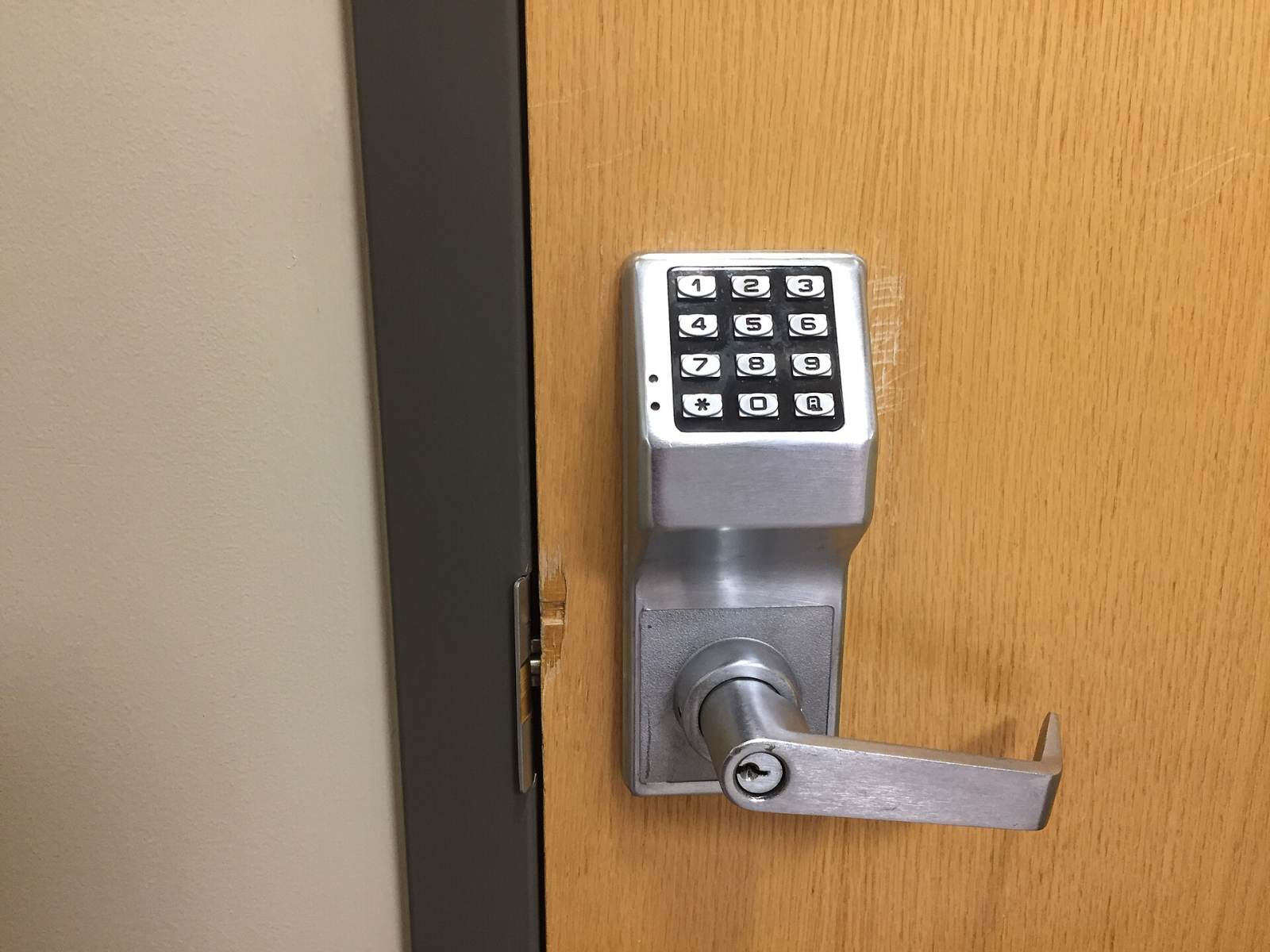
- Full keypad deadbolts replace the whole lock, so they need the landlord’s written OK.
The three kinds of smart lock, and which are renter-safe
| Type | How it installs | Renter-safe? | Examples |
|---|---|---|---|
| Over-the-thumb-turn | Clamps or sticks over your existing inside thumb turn and turns it with a motor | Yes, the least invasive | Original SwitchBot Lock, Candy House Sesame |
| Interior retrofit | Replaces only the inside thumb turn and uses the existing mounting screws | Yes, if you keep the original parts | SwitchBot Lock Pro, August Wi-Fi Smart Lock |
| Full replacement | Replaces the whole deadbolt, often with a keypad or fingerprint reader outside | Only with landlord permission | Keypad and fingerprint deadbolts |
Retrofit locks do not change how hard your door is to break into, because the bolt and the outside cylinder stay the same. What they change is convenience: auto-lock when you leave, unlock from your phone, temporary codes or app access for guests, and a log of who came and went.
Popular retrofit smart locks for renters
| Lock | How it mounts | What to know | List price |
|---|---|---|---|
| SwitchBot Lock Pro | Over the existing deadbolt using its own lock screws; no drilling | Needs a SwitchBot hub for Wi-Fi, Matter and voice control; often discounted | $119 |
| August Wi-Fi Smart Lock | Replaces the inside thumb turn; built-in Wi-Fi | Auto-unlock as you arrive; outside key unchanged; often discounted | $199.99 |
| Kwikset Convert | Conversion kit for existing Kwikset-style deadbolts | Check compatibility with your cylinder | $149 |
| Adhesive over-the-turn locks | Stick on with strong tape | Easiest to remove, but adhesives can fail on some doors | Varies |
Prices move a lot with sales, so treat these as starting points. Techlicious called the SwitchBot Lock Pro the best smart lock solution for renters because it uses the lock’s existing screws instead of adhesive, which addressed the main weakness of the original SwitchBot Lock.
Will it fit your door? 5 checks before you buy
- It must be a single-cylinder deadbolt, with a key outside and a thumb turn inside. Double-cylinder locks with a key on both sides need a different solution.
- Turn the bolt by hand. If it sticks or needs you to push the door, fix the alignment first. A motor working against a sticky bolt drains batteries and jams.
- Measure the thumb turn and the space around it. Most retrofit makers publish a compatibility checker with photos to compare.
- Check the door thickness and any trim or knob close to the deadbolt that could block a bulky lock body.
- Look for an old mortise lock. Older buildings sometimes use large rectangular lock bodies that many retrofit locks do not fit.
Talking to your landlord
Many leases say tenants cannot change or add locks, mainly because the landlord needs a working key for emergencies. A retrofit lock usually satisfies that, because the existing cylinder and key are untouched. Still, send a short message describing the lock, explaining that the outside key keeps working and promising to reinstall the original thumb turn when you leave. Ask for the answer in writing.
How to install a retrofit smart lock
- Put the original parts in a labeled bag the moment you take them off.
- Unlock the door and keep it open while you work so you cannot lock yourself out.
- Remove the inside thumb turn (for interior retrofits) by unscrewing its two screws, or clean the area for an over-the-turn model.
- Attach the adapter and lock body following the maker’s instructions, using the adapter that matches your deadbolt brand.
- Pair it with the app, calibrate the locked and unlocked positions, and test it several times with the door open, then closed.
- Turn on auto-lock and any door sensor that confirms the door is really shut.

Batteries, lockouts and backups
Retrofit locks run on batteries, often for several months between changes, and the app warns you when they get low. If they die completely, nothing changes outside: the original key still opens the door. That is a big advantage over some full keypad locks. Keep a physical key somewhere safe, not just in your bag, and do not leave the only key inside the apartment.
Moving out
- Delete all user codes and shared access in the app.
- Remove the lock from your account and factory reset it.
- Reinstall the original thumb turn and screws from your labeled bag.
- Test the deadbolt with the landlord’s key before you hand the keys back.
Building out the rest of your rental? See our renter-friendly smart home guide, video doorbells for renters and our general smart lock buying guide.
Products mentioned in this article
- August Wi-Fi Smart Lock (4th Gen) – retrofit lock with built-in Wi-Fi; keeps your existing key
- SwitchBot Lock Pro – retrofit lock that mounts over your deadbolt; add a hub for Wi-Fi
- Kwikset Convert – conversion kit for compatible Kwikset deadbolts
As an Amazon Associate, HomePilot earns from qualifying purchases. Check the listing for current price and compatibility with your home.
Comparing smart locks? HomePilot Picks gathers the locks and smart home gear we have researched.
Frequently asked questions
Can renters install a smart lock?
Usually, if you pick a retrofit lock that keeps the existing deadbolt and key working and your lease allows it. Get your landlord’s permission in writing to be safe.
What is the best smart lock for renters?
A retrofit lock that only changes the inside thumb turn, such as the SwitchBot Lock Pro or August Wi-Fi Smart Lock. They keep the landlord’s key working and come off in minutes.
Does a smart lock need drilling?
Retrofit smart locks do not. They use the deadbolt’s existing screws or mount over the thumb turn. Full replacement keypad locks reuse the existing holes but replace the whole deadbolt.
What happens if the smart lock battery dies?
With a retrofit lock, the original key still works from outside, and the thumb turn can usually be turned by hand inside. Replace the batteries when the app warns you.
Does my landlord need a key to a smart lock?
Many leases require the landlord to have access. Retrofit locks keep the original key working, which usually satisfies this. Check your lease and local rules.