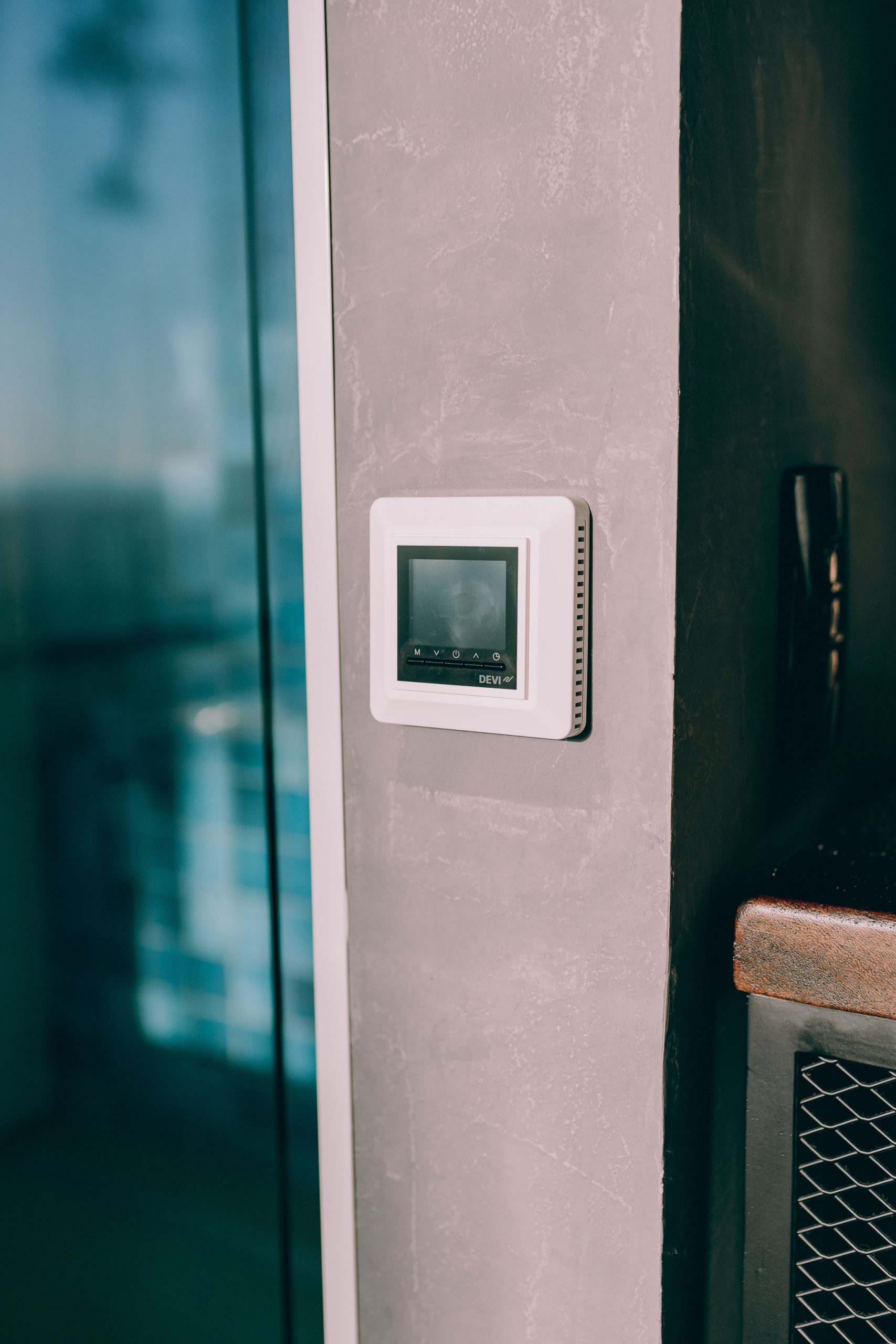

The internet goes out at 6 p.m. on the coldest night of the year. The router is blinking red. You glance at the wall and wonder: is my $250 thermostat now a $250 paperweight?
No. Your heating and cooling are controlled by the thermostat wired to your system, not by a server somewhere. When the Wi-Fi goes down, a smart thermostat falls back to being an ordinary programmable thermostat. What you lose is the “smart” part, and it helps to know exactly which parts those are before the next outage.
What Keeps Working
Across the major brands, the core job carries on without a connection:
- Heating and cooling still run, and you can change the temperature at the thermostat itself
- Your saved schedule keeps running, because it is stored on the thermostat
- Basic protections, like the settings that keep pipes from freezing, generally carry on since they depend on the thermostat’s own sensor
Honeywell’s support page for its Lyric thermostats says plainly that the thermostat keeps operating the system while Wi-Fi is down, and that it reconnects automatically when the network returns. Sensi says the same about running the current schedule. For ecobee, the schedule runs on the thermostat, and owners who lose their connection regularly report that comfort does not change.
What Stops Working
| Feature | Nest | Ecobee | Honeywell Home |
|---|---|---|---|
| Adjusting at the thermostat | Works | Works | Works |
| Saved schedule | Keeps running | Keeps running | Keeps running |
| Phone app control | Stops | Stops | Stops |
| Alexa, Google, HomeKit control | Stops | Stops | Stops |
| Geofencing and away detection | Stops | Stops | Stops |
| Alerts, energy reports, weather features | Stop | Stop | Stop |
This is the general pattern across brands, and exact behavior varies by model, so treat the table as a guide rather than a guarantee. Honeywell specifically lists geofencing, shortcuts, and humidification levels as app-managed features that pause while offline.
Three Kinds of “Down”
Not every outage is the same, and the difference matters:
- **Your Wi-Fi is down:** the thermostat cannot reach your router, so local phone control and the internet both fail
- **Your internet is down:** your Wi-Fi works but nothing reaches the manufacturer’s servers, which is enough to stop remote features
- **The manufacturer’s cloud is down:** your home network is fine, but the app and voice assistants stop responding
In all three cases the wall unit itself keeps doing the basics.
The Catch: Clocks, Sensors, and Power
There are a few places where offline behavior gets messy. Some thermostats use the internet to keep their clock and time zone accurate, so after a long outage or a power cut, schedule timing can drift until they reconnect. Remote room sensors that report through a hub or the cloud may stop reporting during an outage, which can change what the thermostat thinks the room temperature is. And a thermostat that keeps losing power is a different problem entirely, usually a wiring one, covered in why your smart thermostat keeps losing power.
Test It Before You Need It
- On a mild day, unplug your router for ten minutes and watch what the thermostat does
- Confirm you know how to change the temperature and the schedule from the wall unit, not just the app
- Write down your schedule somewhere, in case you ever have to re-enter it
- Check that it reconnects on its own when the router comes back
It is a controlled test that does not involve touching any wiring, and it turns an unknown into a known.
Is a Smart Thermostat Still Worth It?
Absolutely, as long as you treat the connected features as bonuses and not as the thermostat’s brain. We break down the savings in Are Smart Thermostats Worth It in a Small Apartment?, and you can estimate your own with the free Smart Thermostat Savings Calculator at thehomepilots.com/tools. Comparing models? Try the Smart Thermostat Comparison Tool.