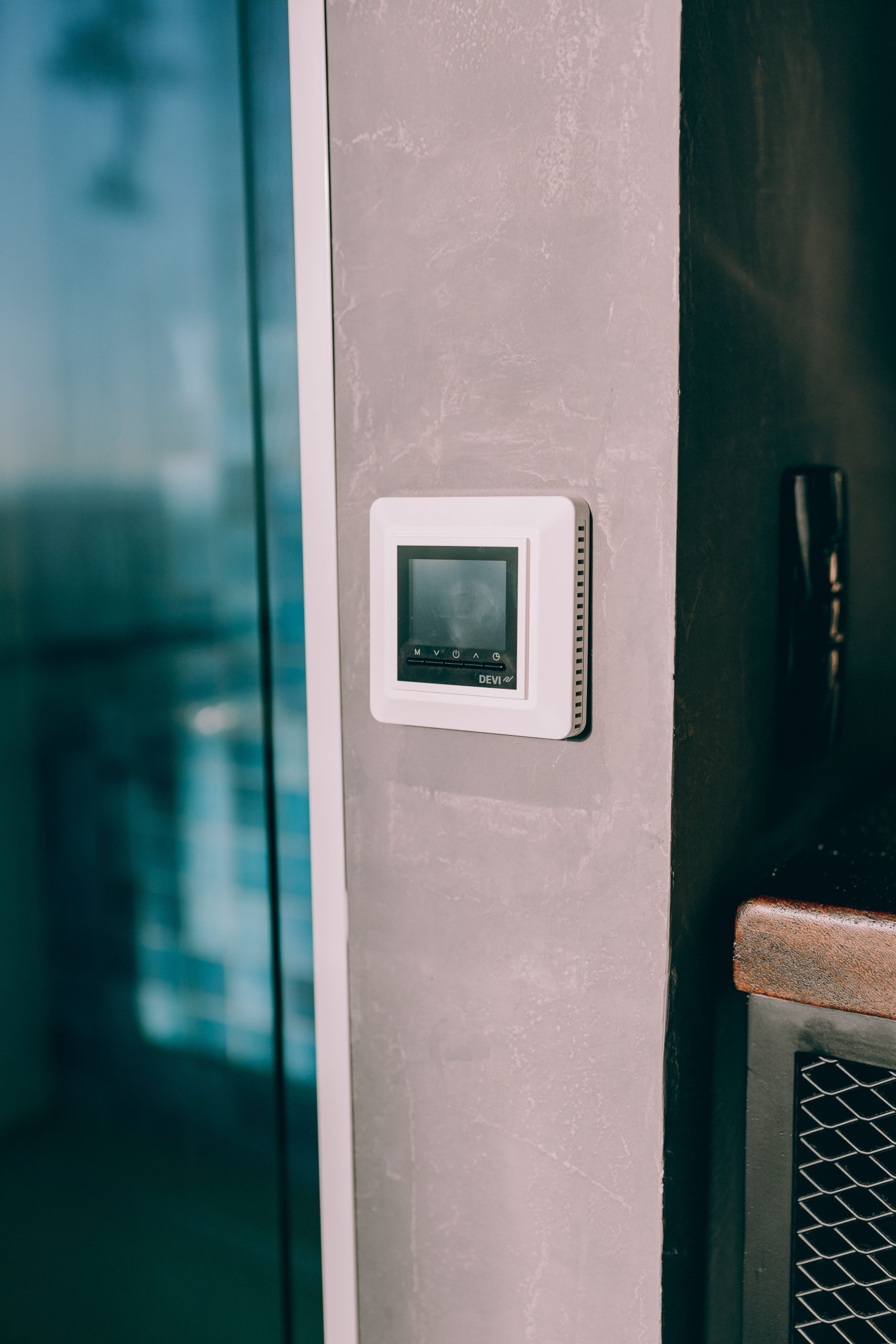

Your smart thermostat keeps losing power because it most likely doesn’t have a dedicated common wire (C-wire) delivering continuous 24V current from your HVAC system, so it’s relying on a “power-stealing” workaround that can’t always keep up with the Wi-Fi radio and screen.
The Quick Fix
- Open the thermostat’s wiring panel and check for a wire connected to a terminal labeled “C” — if that terminal is empty, you don’t have a dedicated common wire
- Check whether your thermostat came with, or supports, a Power Extender Kit (PEK) — most major smart thermostat brands sell one specifically to solve this
- If there’s an unused wire in the bundle at the furnace or air handler, an HVAC tech can often activate it as a C-wire without running any new wire
- Lower the screen brightness and disable “always-on display” if your model allows it — this reduces power draw enough to sometimes stabilize a marginal power-stealing setup
- If the thermostat is hardwired without batteries and still resets randomly, that’s the clearest sign this is a wiring power issue, not a defective unit
Why This Actually Happens
- Old thermostats never needed continuous power. Mercury-switch and basic digital thermostats ran on a coin battery or no power at all, since they simply opened or closed a switch on the call wires when heating or cooling was needed. A dedicated common wire was optional because nothing on the wall needed constant power.
- Smart thermostats need continuous power for the display, Wi-Fi radio, and processor. A battery alone can’t sustain that, so most either require a true C-wire or borrow small amounts of current through the call wires themselves while they aren’t actively signaling the furnace — known as power stealing.
- Power stealing has limits. That borrowed current is small and can dip below what’s needed the moment the screen lights up or Wi-Fi transmits, causing the thermostat to brown out and reboot — and on some systems, briefly bleed into the call circuit, which is why a few HVAC systems short-cycle slightly right after a no-C-wire smart thermostat is installed.
Symptom-to-Fix Matrix
| Symptom | Likely Cause | Fix |
|---|---|---|
| Screen randomly goes blank and reboots | No C-wire, power stealing failing | Add a C-wire or Power Extender Kit |
| Wi-Fi keeps dropping despite good signal | Power-stealing current can’t sustain the radio | Same fix; confirm PEK compatibility with your model |
| HVAC short-cycles briefly after installation | Power stealing bleeding into a call wire | Have an HVAC tech add a true C-wire |
| Works fine on batteries, dies once Wi-Fi is set up | Wi-Fi draw exceeds battery-only capacity | Requires a C-wire; batteries alone won’t sustain it |
| Display flickers when the compressor kicks on | Marginal voltage under load | Usually resolves once a C-wire is added |
The Wiring Behind It: A Quick Primer
Most residential systems step a 24VAC transformer down from 120V or 240V mains, so the thermostat itself is a low-voltage device even though it’s controlling a much higher-power system on the other side of those wires.
| Wire Letter | Function |
|---|---|
| R | 24VAC power from the transformer |
| C | Common — completes the circuit for continuous power |
| G | Fan |
| Y | Cooling call (compressor) |
| W | Heat call |
| O/B | Reversing valve (heat pump systems only) |
Check Your Real Numbers
Once the power issue is sorted, it’s worth confirming the thermostat is actually saving you what you’d expect:
- The Electricity Estimator shows what your HVAC system costs to run day to day
- The Appliance Running Cost Calculator helps you compare that against a smarter schedule
Both are free at thehomepilots.com/tools. If yours still won’t hold power after adding a C-wire, HomePilot Picks has the thermostats we’d trust instead.
The Step Most People Skip
Most people assume a wiring fix means calling someone to run brand-new wire through the walls, so they either return the thermostat or live with the resets. In reality, a huge number of systems already have a spare wire sitting at the furnace or air handler, capped off with a wire nut from the original installation and never connected. Checking for that unused wire is a ten-minute job for anyone comfortable working with low-voltage wiring, not a rewire.