
Last updated October 27, 2026. Reviewed by the HomePilot editorial team.
Walk down the smart home aisle and the boxes read like alphabet soup: Matter, Thread, Zigbee, Z-Wave. Buy the wrong mix and your new sensor ends up in a drawer. The good news is that a home automation hub makes the whole thing far simpler once you know which radio does what.
Short answer: a home automation hub is the device that speaks to your gadgets over the radios they use and coordinates them. Wi-Fi devices need no extra hub. Zigbee needs a Zigbee hub or bridge, Z-Wave needs a Z-Wave hub, Thread needs a Thread border router, and Matter needs a Matter controller, which is often the smart speaker you already own.
What a home automation hub needs for each radio
| Protocol | What it is | What you need | Good to know |
|---|---|---|---|
| Wi-Fi | Devices join your router directly | Nothing extra | A crowded router can make devices flaky, which is mistake number one in our smart home mistakes list. |
| Zigbee | A low-power mesh for sensors, bulbs and plugs | A Zigbee hub or bridge | Has a battery life edge over current Thread hardware, and new Zigbee gear from brands such as Aqara, IKEA and Sonoff still ships in 2026. |
| Z-Wave | A low-power mesh on its own radio | A Z-Wave hub | The 800 series and Z-Wave Long Range still ship, with more than 4,500 certified products. |
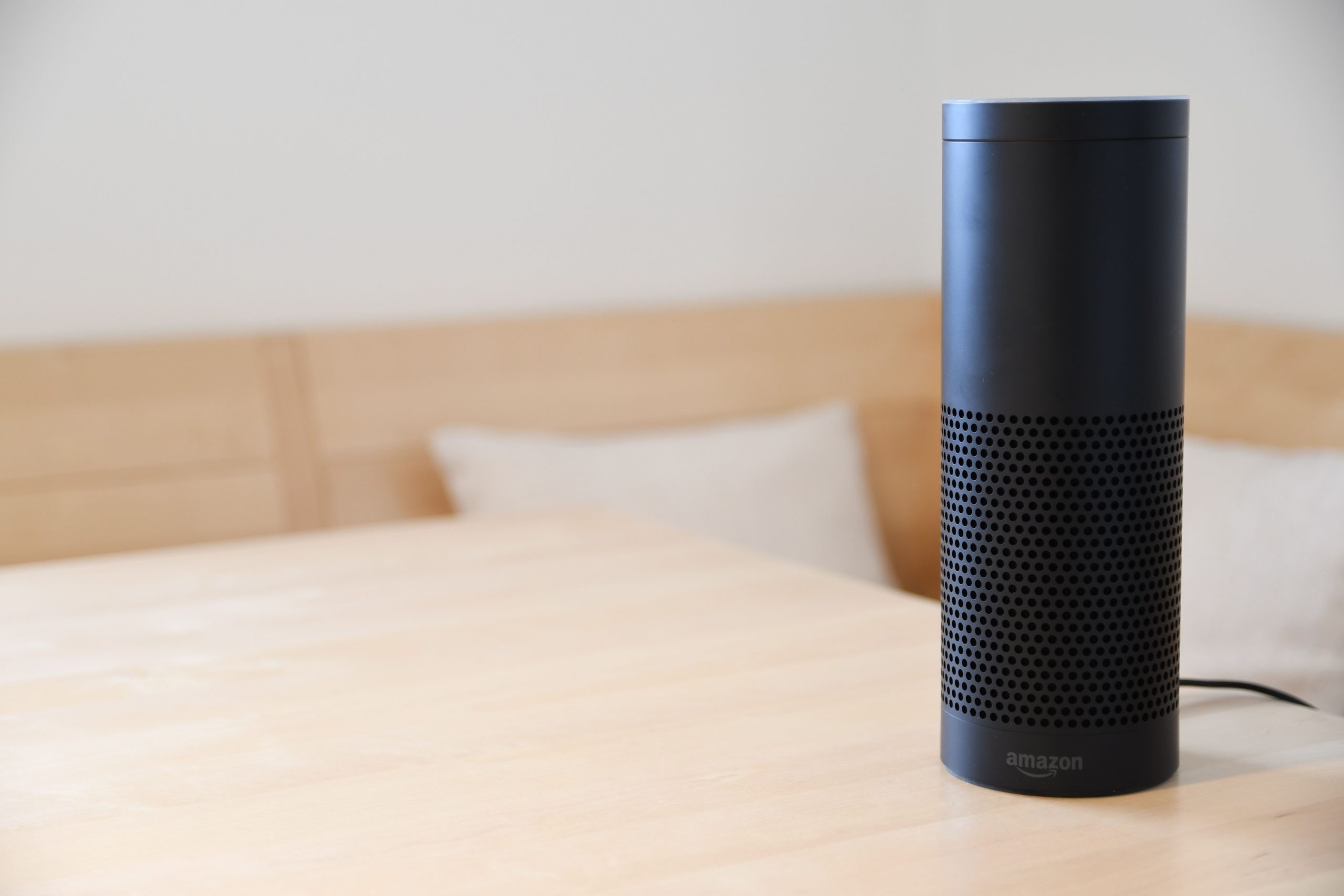
| Thread | A low-power, self-healing network used by Matter devices | A Thread border router | Border routers are often hidden in a HomePod mini, Apple TV 4K, Nest Hub, Echo or eero. |
| Matter | A shared language that works across brands | A Matter controller | Runs over Wi-Fi, Thread or Ethernet. It does not replace the Zigbee or Z-Wave devices you already own. |
Which hub do you need for your devices?
- Only Wi-Fi devices: you can skip a dedicated hub. See do you need a smart home hub.
- Battery sensors and locks on Thread: make sure a Thread border router is in the house. A HomePod mini, a Google Home Speaker or a compatible mesh router may already do the job.
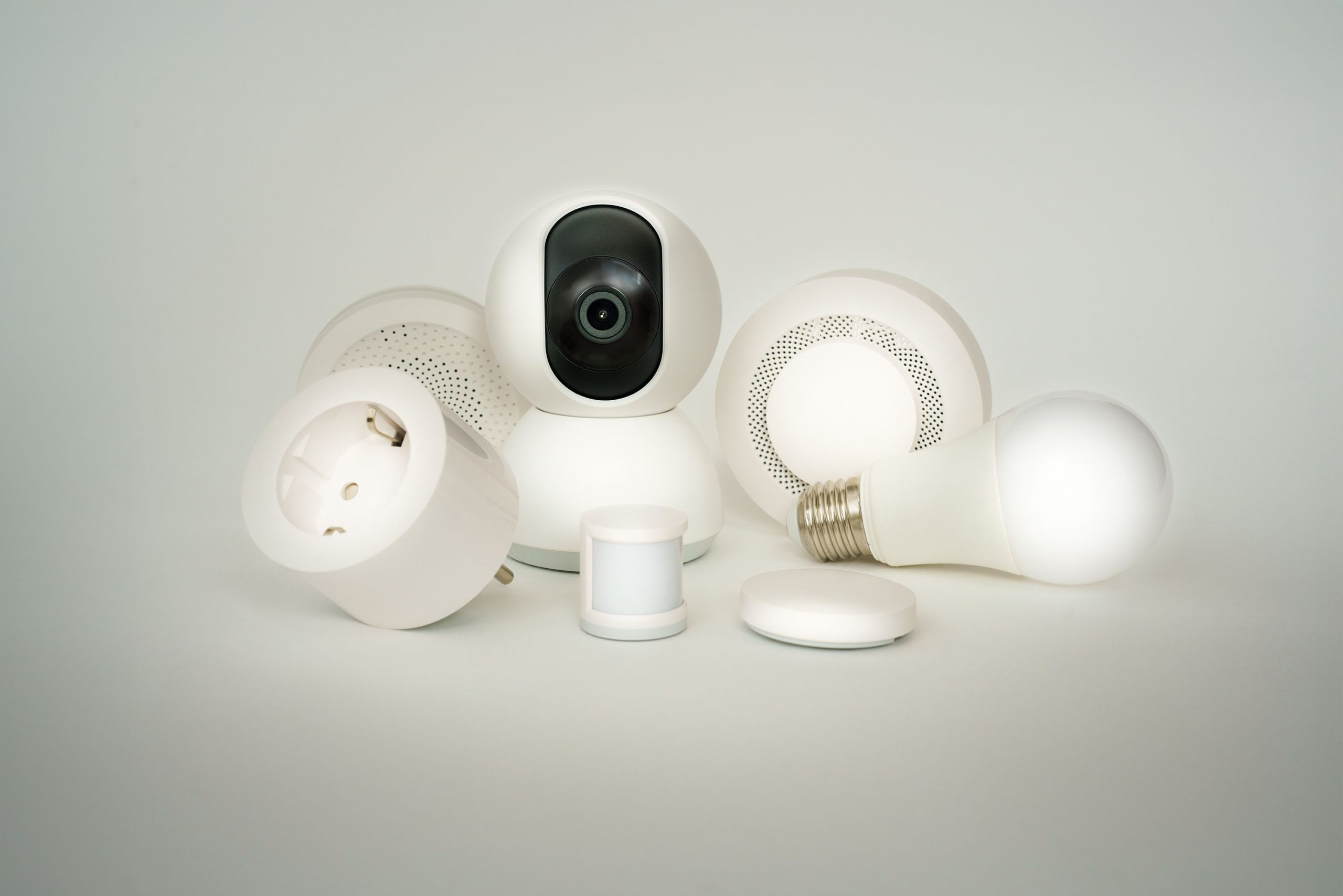
- Zigbee sensors and bulbs: choose a hub with a Zigbee radio, such as the Aqara Hub M3 or the Aeotec Smart Home Hub 2.
- Z-Wave locks and switches: choose a hub that still supports Z-Wave. The second-generation Aeotec hub dropped it, while Home Assistant can add it with a USB adapter.
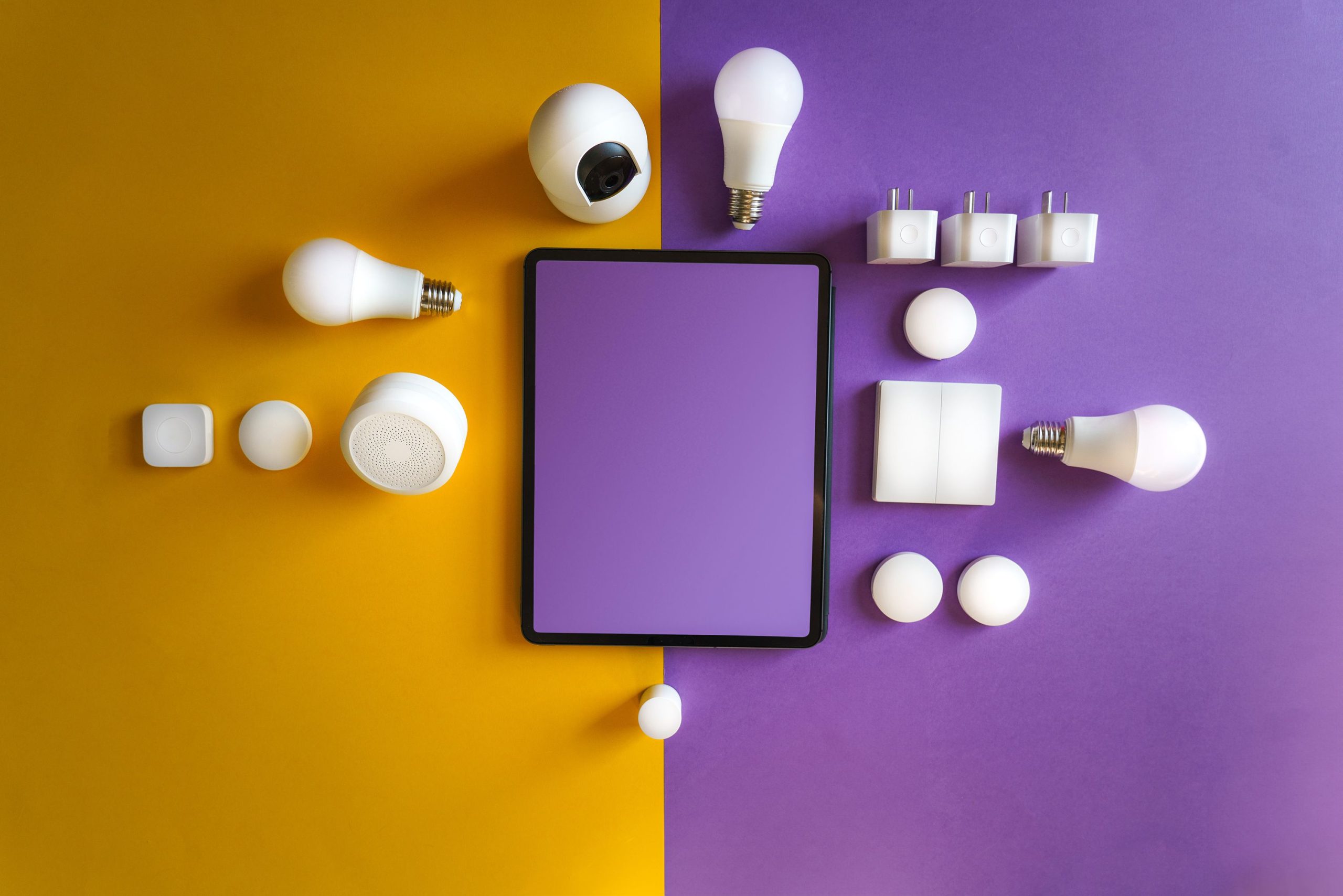
- A mix of everything: a multi-radio hub or Home Assistant gives the most flexibility, at the cost of more setup.
Will your old Zigbee and Z-Wave devices still work?
Yes. Matter does not make older devices stop working, and a Matter bridge can bring them into the new system. The Philips Hue Bridge is the best-known example, because it lets Zigbee bulbs show up in a Matter setup. For most people with existing gear, a bridge costs far less than replacing everything.
Local control: what keeps working when the internet drops
A hub that processes commands inside your home can keep running routines when the internet goes down, and Matter over Thread devices are designed to talk locally. Voice assistants, remote access from your phone and cloud-only features still need an internet connection. Our guide on how smart thermostats behave without Wi-Fi shows what this looks like in practice.
A simple rule for reading the box
Look for one of three phrases: “Matter over Wi-Fi”, “Matter over Thread” or “Matter Bridge”. If a device says “Thread inside”, you need a Thread border router somewhere in your home. If it says “Zigbee”, you need a Zigbee hub or bridge. A hub with several radios saves you from buying separate boxes later. Ready to shop? See the best smart home hubs in 2026 and learn the basics in what is a smart home hub.
Frequently asked questions
Do I need a separate hub for Zigbee devices if I use Matter?
Usually yes. Zigbee devices speak their own language, so they need a Zigbee hub or bridge, which can then share them with your Matter setup. Newer devices that use Matter over Thread or Wi-Fi do not need one.
Can one hub handle Zigbee, Z-Wave and Thread?
Some can. Home Assistant supports Zigbee, Z-Wave, Matter and Thread with the right adapters. Others cover fewer radios, for example the second-generation Aeotec hub supports Zigbee and Thread but not Z-Wave.
Is Thread better than Zigbee?
Neither is better in every case. Thread uses a self-healing network built on internet addressing and pairs naturally with Matter, while Zigbee has a battery life edge over current Thread hardware and a large catalog of existing devices.
Know your radios, now pick your hub
We did the research so you don’t have to. Open HomePilot Picks to see the multi-radio hubs we would shortlist first.