
Last updated November 12, 2026. Reviewed by the HomePilot editorial team.
Zigbee and Z-Wave have been smart home rivals for over a decade, yet the box on your next smart lock usually names just one of them and assumes you know why it matters. The Zigbee vs Z-Wave question comes down to range, radio crowding and price, and the answer is often decided by the hub you already own.
Short answer: choose Zigbee for lots of affordable sensors, bulbs and plugs. Choose Z-Wave if you care most about long range and a quiet radio band, which is why it is popular for locks and security gear. If you already own a hub, pick whichever radio it supports.
Zigbee vs Z-Wave at a glance
| Feature | Zigbee | Z-Wave |
|---|---|---|
| Radio band | 2.4 GHz, the same busy band as Wi-Fi and Bluetooth | A lower, less crowded band (about 868 to 908 MHz, depending on region) |
| Rated range per device | About 20 meters in line of sight | About 100 meters in line of sight |
| Network size | Theoretically unlimited | Up to 232 devices |
| Price | Generally cheaper, with many brands | Generally more expensive |
| Device catalog | Still growing in 2026 (Aqara, IKEA, Sonoff) | 800 series and Long Range, 4,500+ certified products |
| Region | Works worldwide on 2.4 GHz | Frequency depends on your region, so buy devices for your country |
Range figures are rated numbers in open air. Walls, floors and metal cut them down in real homes, and both systems stretch their reach by relaying signals through powered devices.

When to choose Zigbee
- You want many small, low-cost devices such as bulbs, plugs and motion sensors.
- You like a wide choice of brands and prices.
- Your hub already has a Zigbee radio, as the Aqara Hub M3 and the Aeotec Smart Home Hub 2 do.
When to choose Z-Wave
- You are adding locks, door sensors or other security gear and want a quieter radio band.
- You have a large or awkward home where each hop needs more reach.
- Your hub still supports it. The second-generation Aeotec hub dropped Z-Wave, while Home Assistant can add it with a USB adapter.
What about Matter?
Matter does not make either one obsolete. Devices you own keep working, and a bridge can bring Zigbee or Z-Wave devices into a Matter setup, so replacing everything is rarely worth the money. New devices, however, increasingly use Matter over Wi-Fi or Thread. Learn the differences in our home automation hub guide, and compare hubs in our best smart home hubs roundup.
A simple way to decide
- List the devices you already own and which radio each one uses.
- Pick a hub that supports those radios, ideally both if you are unsure.
- Buy new devices to match, and choose Matter-labeled ones where you can.
Range, speed and how many devices
Both standards build a mesh, where plugged-in devices pass signals along to reach the hub. The differences show up in three places:
- Radio band. Zigbee runs at 2.4 GHz worldwide. Z-Wave uses a lower, region-specific band (908.42 MHz in the US), which travels through walls and floors more easily and does not compete with your Wi-Fi.
- Network size. A classic Z-Wave network tops out at 232 devices. Zigbee allows far more in theory, though real homes rarely come close to either limit.
- Speed. Zigbee moves data faster (up to 250 kbps versus up to 100 kbps for Z-Wave). For switching a light or reporting a door opening, both feel instant.
Z-Wave also has a newer Long Range mode that skips the mesh and talks straight to the hub, with manufacturers advertising far greater range than classic Z-Wave. It needs a Long Range capable hub and devices, so check the box before you count on it.
Which hubs support which
This is usually the deciding factor, because the hub you own sets the rules:
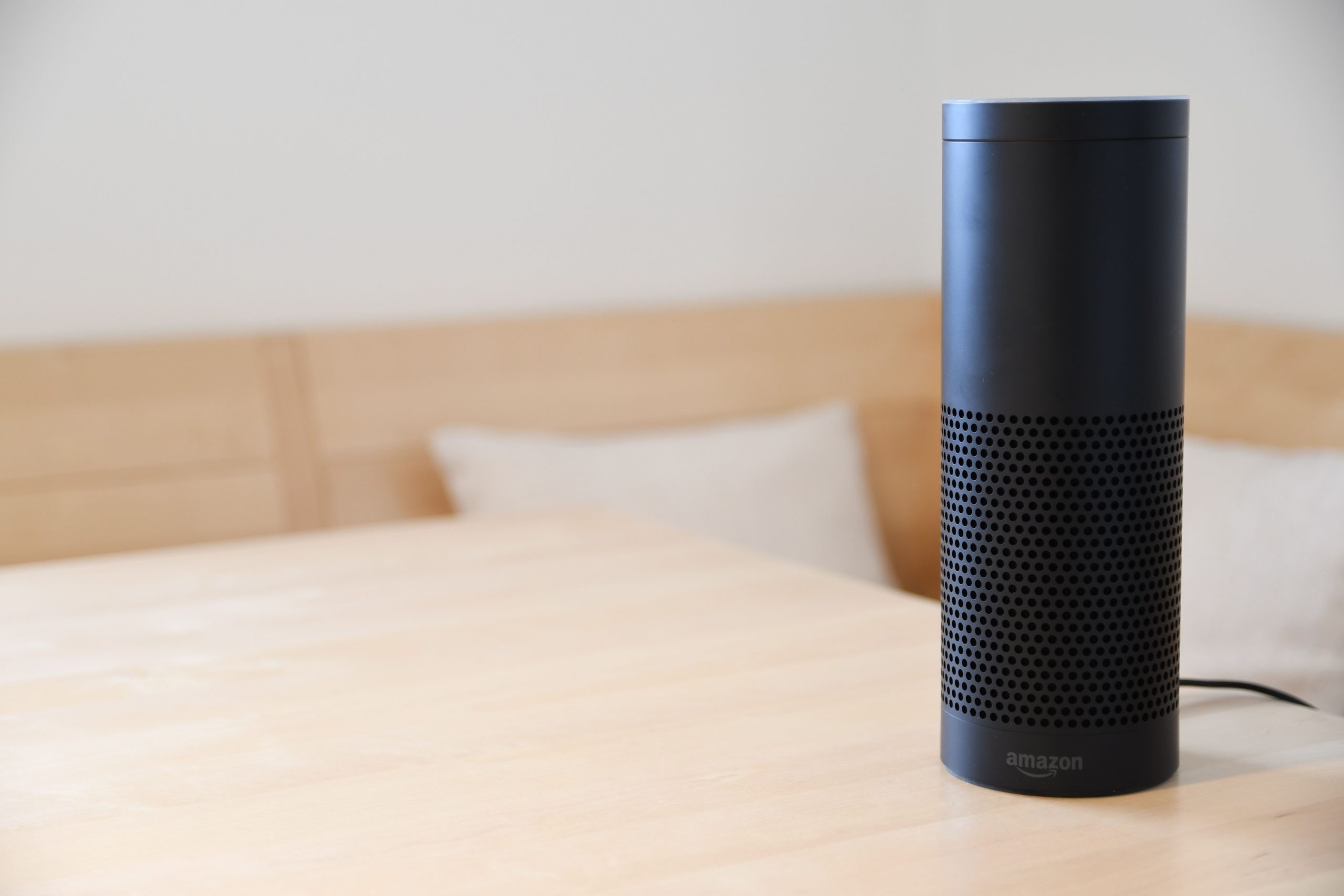
- Zigbee is built into some Amazon Echo models, the Echo Hub, the Philips Hue Bridge (for Hue and compatible lights) and many Aqara and SmartThings hubs.
- Z-Wave usually needs a dedicated hub such as a SmartThings-compatible Aeotec hub, Hubitat, or Home Assistant with a Z-Wave adapter.
- Both at once: hubs like Hubitat, Aeotec Smart Home Hub and Home Assistant (with adapters) can run Zigbee and Z-Wave side by side, so you never have to choose for good.
Exact support varies by model and generation, so confirm on the hub maker’s spec page before buying devices. Our best smart home hubs guide compares the main options.
Avoiding Zigbee interference with Wi-Fi
Because Zigbee shares the 2.4 GHz band with Wi-Fi, a busy router can cause slow or dropped commands. Three habits prevent most problems:
- Keep the Zigbee hub or USB adapter at least a few feet from your Wi-Fi router, and use a short USB extension cable for adapters.
- If your hub lets you pick a Zigbee channel, choose one that sits between common Wi-Fi channels (Zigbee 15, 20 or 25 avoid Wi-Fi channels 1, 6 and 11 best).
- Add a few plugged-in Zigbee devices, such as smart plugs, around the house. They act as repeaters and strengthen the mesh for battery sensors.
Frequently asked questions
Is Z-Wave more reliable than Zigbee?
Z-Wave runs on a quieter band with fewer competing signals, which is why it is often chosen for security devices. A dense Zigbee mesh can also be very reliable, so reliability depends as much on your hub and layout as on the protocol.
Can I use Zigbee and Z-Wave together?
Yes, with a hub that has both radios, such as Home Assistant with the right adapters. Many hubs support only one of the two.
Will Matter replace Zigbee and Z-Wave?
No. Matter is a shared language rather than a replacement radio, and existing Zigbee and Z-Wave devices keep working, often through a bridge.
Know your radio, now pick your hub
We did the research so you don’t have to. Open HomePilot Picks to see the hubs we would shortlist first.