
Last updated October 27, 2026. Reviewed by the HomePilot editorial team.
You open the box, plug in the new smart bulb, and the instructions mention a “hub.” Does that mean another device to buy? For most people starting out, no. But there are a few situations where a hub really does earn its place, and a few where you already own one without knowing it.
Short answer: you do not need a separate hub for Wi-Fi bulbs, plugs and cameras. You do need something doing a hub’s job once you add battery sensors, smart locks, or devices that use Zigbee or Thread, and that something is often already sitting in your living room.
What a “hub” actually does
The word covers three different jobs, which is why the advice online is so confusing:
| Job | What it does | Where it often lives |
|---|---|---|
| Controller | Acts as the brain that runs automations and talks to your devices | A smart speaker or display, an Apple TV or HomePod, or a dedicated hub |
| Thread border router | Connects low-power Thread devices to your home network | Some smart speakers and displays, Apple TV and HomePod models, some routers |
| Bridge | Translates other languages, such as Zigbee, so your system can use them | A dedicated hub, or some smart speakers with a built-in radio |
When you can skip the hub
- Your devices connect over Wi-Fi, such as plugs, bulbs and many cameras.
- You use one assistant, such as Alexa, Google Home or Apple Home, and control things by app or voice.
- You have a handful of devices. Our budget smart home plan suggests waiting until you own around eight to ten before buying a dedicated one.
- You mostly want simple routines, like a lamp that comes on at sunset.
One caution. Every Wi-Fi device competes for your router’s attention, and a crowded router is a common cause of flaky devices. That is mistake number one in our list of smart home mistakes beginners make.
When a hub starts to make sense
- You are adding battery-powered sensors, locks, or dimmer switches that use Zigbee or Thread.
- You want automations that keep working during an internet outage, because a hub can run them locally.
- You mix brands and want one place to control them all.
- You have grown past ten or so devices and the Wi-Fi network feels crowded.
You may already own one
Many popular products include hub features. Always check the model’s specification page, because not every model in a range has the same radios.
| Ecosystem | What may already act as a hub | Worth checking |
|---|---|---|
| Apple Home | HomePod, HomePod mini, Apple TV | Apple requires one of these as a home hub for Matter devices and remote access |
| Google Home | Several Nest Hub displays and some Google Wi-Fi routers | Which model has a Thread border router |
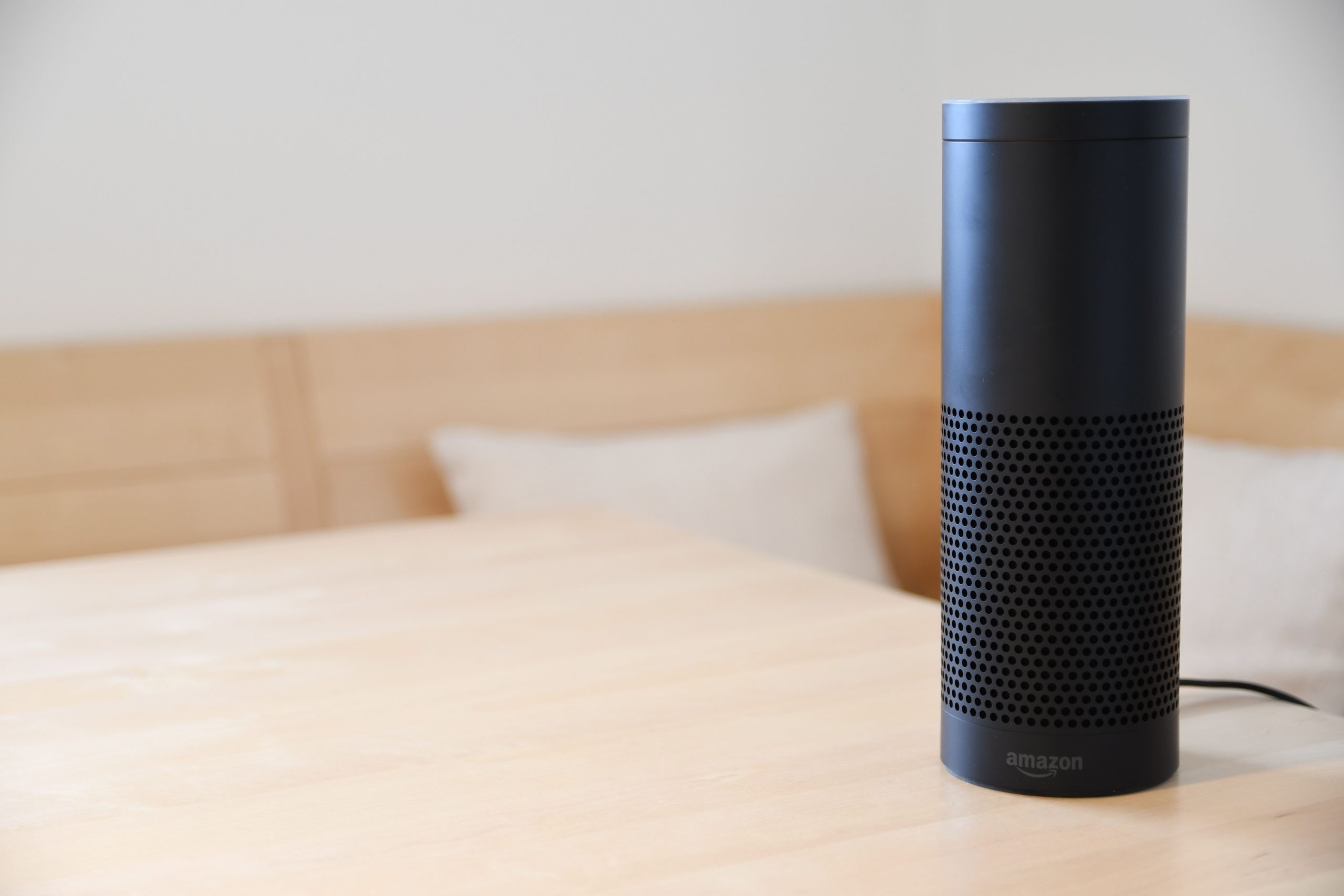
| Amazon Alexa | Certain Echo speakers and displays | Not every Echo has a Thread border router or a Zigbee radio |
Matter and Thread in plain English
Matter is a shared language that lets devices from different brands work together. A Matter device that uses Wi-Fi needs no extra hardware beyond something that can act as a controller, such as your phone or smart speaker. Thread is a low-power network for battery devices. Devices on Thread need a Thread border router in your home to reach your network, which is why some hubs advertise that feature. Matter helps, but it does not erase every difference between ecosystems. See our take on Alexa+ for how one platform is changing.
A simple way to decide
- Starting with bulbs and plugs? Skip the hub. Check our 2.4GHz smart device tips if a device will not connect.
- Buying a Thread or Zigbee sensor or lock? Check that your speaker, display or hub supports it before you buy.
- An Apple household? A HomePod or Apple TV is part of the plan anyway.
- Planning a big setup? A dedicated hub or a Home Assistant box gives more control, at the cost of more setup.
Questions to ask before you buy a hub
- Which radios does it have (Wi-Fi, Zigbee, Thread, Z-Wave), and which do my devices need?
- Does it run automations locally, or only through the cloud?
- Is there a monthly fee for any feature I want?
- Will it work with the assistant my household already uses?
For a full comparison, read our smart home hubs buying guide. If you are still planning your first purchases, start with the beginner’s guide, and see our connectivity guide for fixing weak Wi-Fi first.