
Last updated November 12, 2026. Reviewed by the HomePilot editorial team.
Hidden in your living room there may be a gadget doing a job you have never heard of. If you own a HomePod mini, a recent Echo or a modern mesh router, it could already be your home’s Thread border router. Here is what that means and why your battery sensors care.
Short answer: a Thread border router is the doorway between your Thread devices and your home network. Thread devices form their own low-power mesh, and the border router connects that mesh to Wi-Fi or Ethernet so your phone, hub and apps can reach them. Without one, Thread devices cannot talk to the rest of your home.
What does a Thread border router do?
- It bridges the networks. It forwards data between the Thread mesh and your home network. Unlike a Zigbee hub, it does not run the whole network itself.
- It keeps the mesh self-healing. Thread devices route around failures, and extra border routers add backup.
- It cannot read your data. It passes packets along without being able to read their contents.
Which devices are a Thread border router?
| Device | Thread border router? | Note |
|---|---|---|
| Apple HomePod mini | Yes | Also an Apple home hub |
| Apple TV 4K (Wi-Fi + Ethernet) | Yes | Apple names the 3rd generation model |
| Google Nest Hub (2nd gen) | Yes | Common in Google Home households |
| Google Home Speaker | Yes, Thread 1.3 | Launched June 25, 2026 at $99.99 |
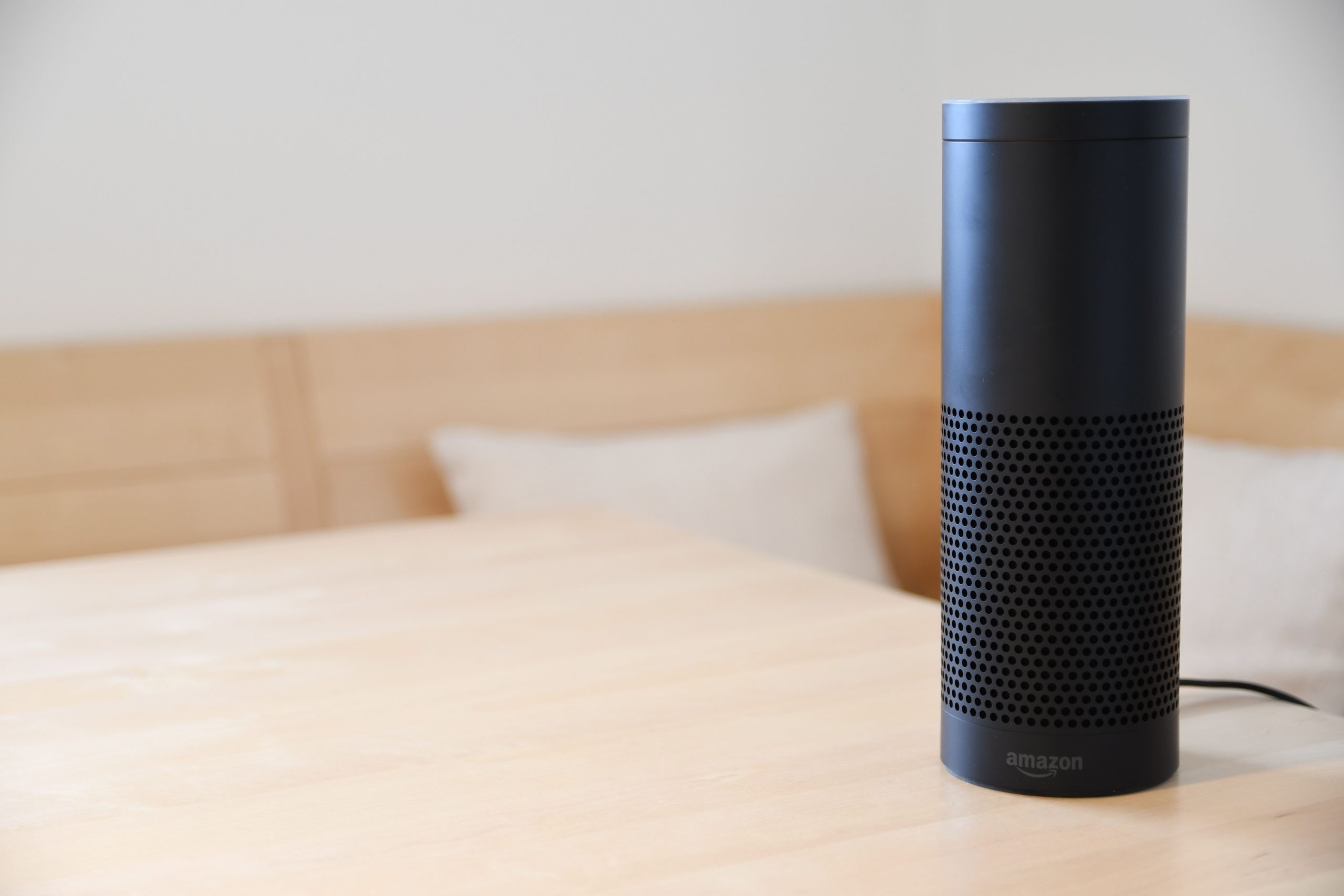
| Amazon Echo (4th gen and later) | Yes | Check your exact Echo model |
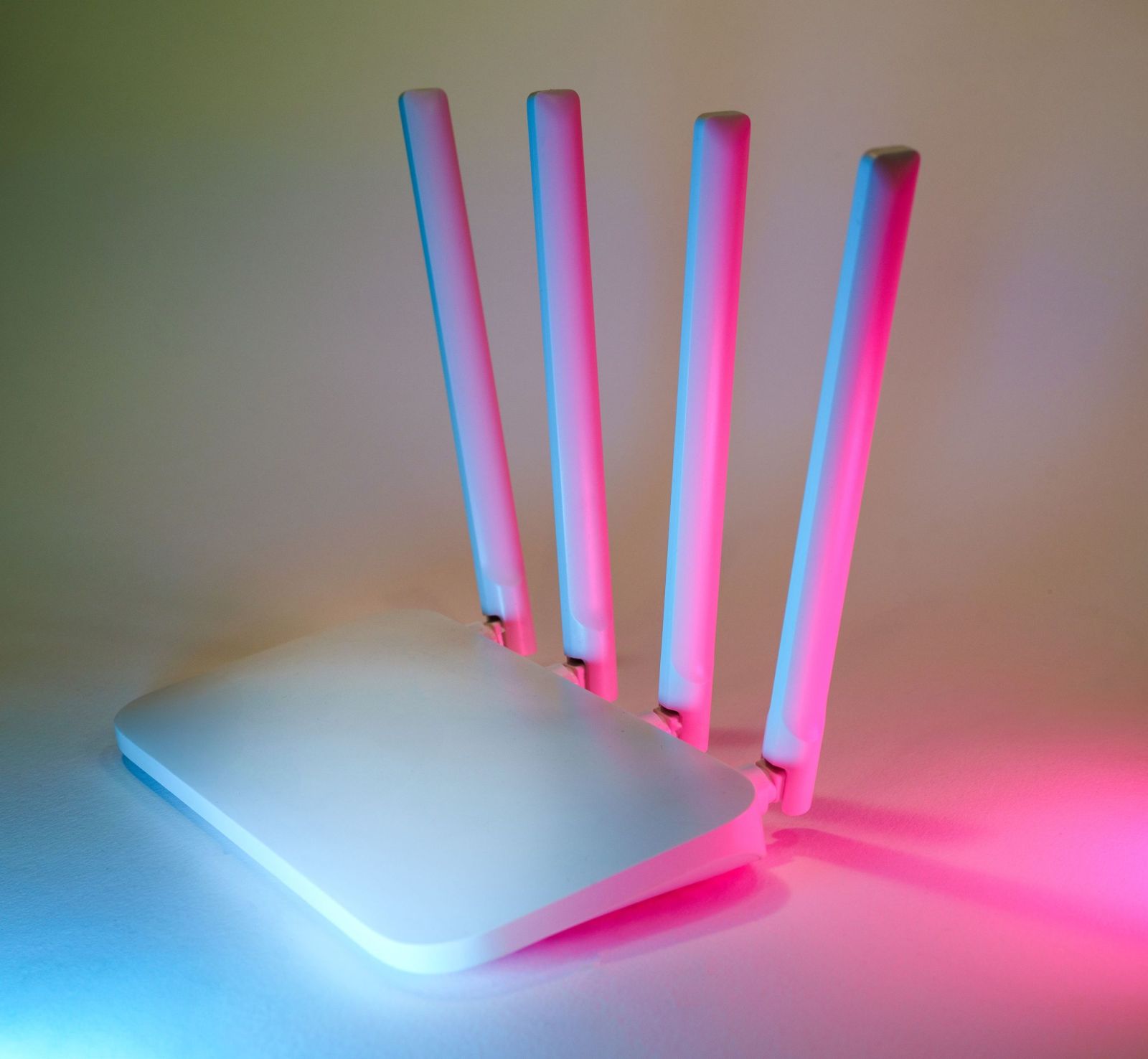
| eero 6+ and eero 7 | Yes | Mesh routers that double as border routers |
| Samsung SmartThings Station | Yes | A SmartThings hub for Samsung homes |
| Aeotec Smart Home Hub 2 | Yes | Also supports Matter and Zigbee 3.0 |
| Aqara Hub M3 | Yes | Also a universal Matter controller |
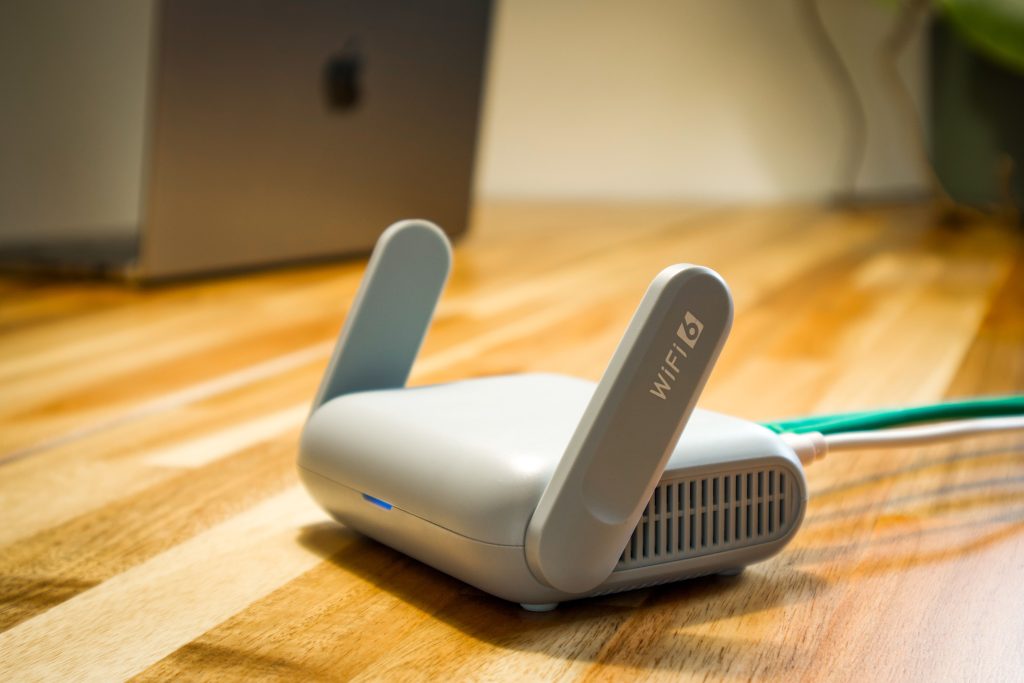
Model details change, so confirm on the spec page that your exact device lists Thread border router support before you buy a Thread accessory.
Do you need more than one Thread border router?
You only need one, but a second can help. Thread 1.3 and Matter’s multi-admin features let several border routers share a network, and if one disconnects the mesh can reroute through the others. That is handy in a big house or if your only border router is a device that sometimes gets unplugged.
How to find out whether you already have one
- Check the spec page or app for “Thread border router” on any speaker, display, router or hub you own.
- Look for “Thread inside” on the boxes of new sensors and locks, which tells you a border router is needed.
- If nothing you own qualifies, add one. The HomePod mini and the Google Home Speaker are both about $100.
Want to compare options? See our best smart home hubs in 2026, or learn how Thread fits with the other radios in our home automation hub guide.
Why Thread is good news for battery devices
Thread is a low-power mesh network built for small smart home gadgets. It uses the same kind of radio as Zigbee, but it speaks the same internet language (IP) as the rest of your home network, which is what lets Matter devices from different brands work together.
- Longer battery life. Battery sensors and locks can sleep most of the time and wake only to send a message, so batteries often last a year or more.
- A self-healing mesh. Plugged-in Thread devices, such as smart plugs and some light switches, relay messages for others. If one goes offline, traffic finds another route.
- Faster responses. Commands travel locally inside your home instead of going out to a cloud server and back.
The catch: none of this reaches your phone without a border router, which is why the device on this page matters.
Common Thread problems and how to fix them
- A new device will not pair. Keep your phone close, turn on Bluetooth, and scan the Matter code on the device or its box. Make sure the border router is on the same Wi-Fi network as your phone.
- Devices show as “not responding”. Check that your border router is powered and online. If it is your only one, every Thread device depends on it, so a second border router adds a useful backup.
- Two separate Thread networks. Border routers from different brands sometimes create their own networks instead of joining one. Newer Thread versions and Matter updates are improving how they share, so keep your hubs and speakers updated.
- Weak signal far from the router. Add a plugged-in Thread device midway, such as a Thread-capable smart plug, to extend the mesh.
If you are still choosing a hub, our guides to Apple home hubs and the best smart home hubs list which models include a Thread border router.
Frequently asked questions
Is a Thread border router the same as a smart home hub?
Not exactly. A border router only connects the Thread mesh to your home network, while a hub also runs automations and may speak other protocols. Many hubs and speakers do both jobs.
Do I need a Thread border router for Matter over Wi-Fi devices?
No. A Thread border router is only needed for devices that use Thread. Matter devices on Wi-Fi join your router directly and need a Matter controller.
What happens if my Thread border router goes offline?
Thread devices lose their path to your home network until a border router is back, so your app may show them as unreachable. With a second border router, the mesh can reroute through it.
Need a border router?
We did the research so you don’t have to. Browse HomePilot Picks for hubs and speakers that double as Thread border routers.