
Last updated November 1, 2026. Reviewed by the HomePilot editorial team.
You finally set up smart lights. The schedule works, the voice commands work, the color scenes look great. Then a guest walks in, flips the wall switch off out of habit, and every one of those smart bulbs goes dark and offline. That single moment is the heart of the smart switch vs smart bulb decision, and most people only learn it after they have bought the wrong one.
By the HomePilot Team · Updated November 1, 2026 · Prices and wiring details checked in 2026 · How we research
Short answer: choose smart bulbs if you rent, want color, or are controlling a lamp or a single-bulb fixture, and you can live with leaving the wall switch on. Choose a smart switch if one switch controls several bulbs, other people in the house use the wall switch, or you want lights that still work like normal lights. Check your switch box for a neutral wire first, because most smart switches need one. Avoid putting smart bulbs behind a smart switch unless the switch has a mode designed for it.
Key takeaways
- Smart bulbs need constant power. Turning off the wall switch takes them offline.
- One smart switch can control every bulb on that circuit, which is cheaper for multi-bulb fixtures.
- Most smart switches need a neutral wire; a few, such as Lutron Caseta dimmers, do not.
- Smart bulbs are the only easy way to get color and work without touching wiring.
Smart switch vs smart bulb at a glance
| Smart bulbs | Smart switch | |
|---|---|---|
| Installation | Screw in, pair in the app | Replace the wall switch; wiring work |
| Good for renters | Yes | Usually no, unless the landlord agrees |
| Color and color temperature | Yes, on color models | No, it only dims or switches |
| Works with normal light bulbs | Not applicable | Yes, including dimmable LEDs |
| Wall switch still works normally | No; switching off takes the bulbs offline | Yes |
| Cost for a 6-bulb fixture | Six smart bulbs | One switch |
| Wiring needs | None | Often needs a neutral wire |
| Hub needed | Depends on brand | Depends on brand |
How smart bulbs work, and their big catch
A smart bulb has a tiny radio inside it, using Wi-Fi, Bluetooth, Zigbee or Thread, and it listens for commands from an app, a hub or a voice assistant. The bulb itself does the dimming and color changes. That only works while it has power. If someone turns the wall switch off, the bulb loses power, disappears from the app, and schedules and voice commands stop working until the switch is turned back on.
Some households solve this with a switch cover or a battery-powered smart remote mounted over the old switch. Philips Hue and other brands also let you choose what a bulb does when its power is switched back on. See power-on behavior settings.
How smart switches work
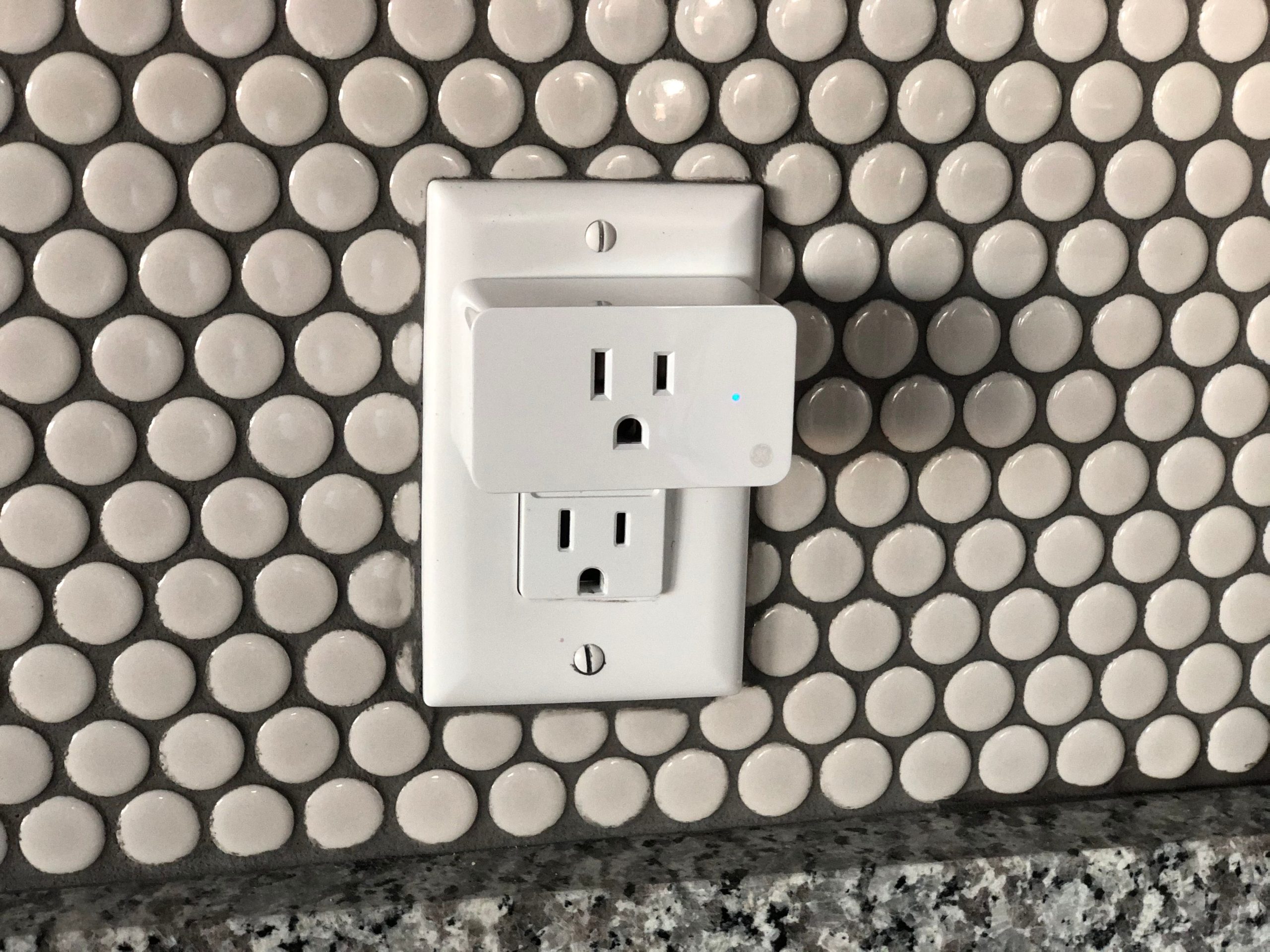
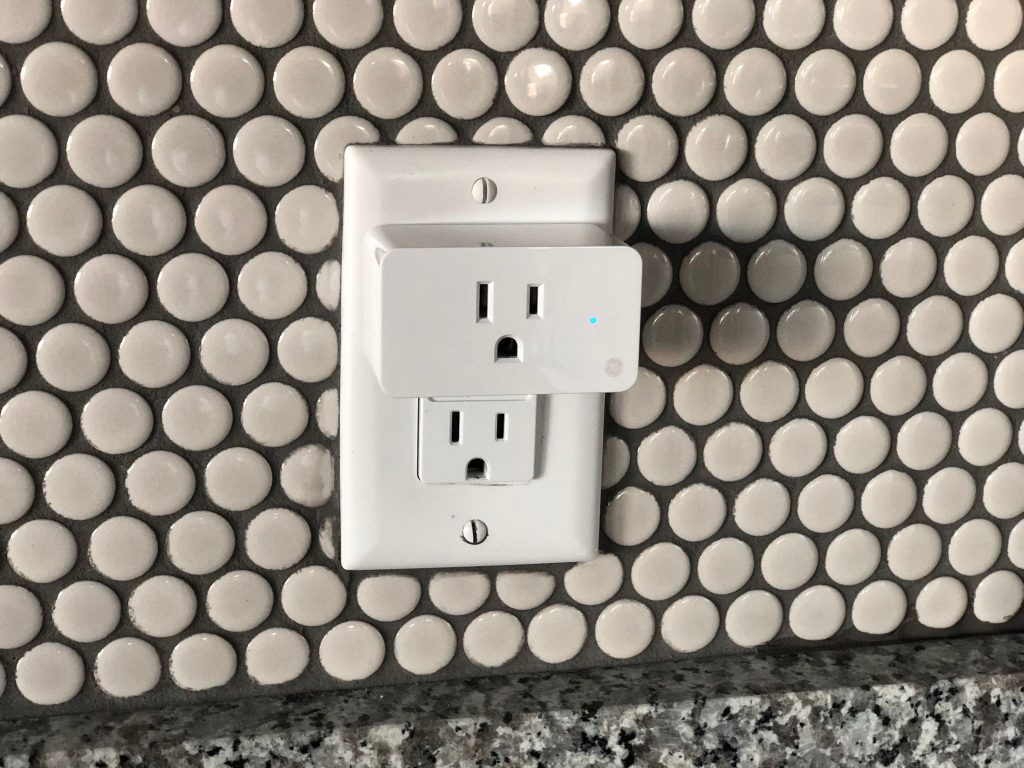
A smart switch replaces your existing wall switch. It controls the power to the fixture, so the bulbs can be ordinary LEDs. You get app control, schedules and voice control, and the switch still works with a normal press, which matters for guests, kids and anyone who does not want to open an app.
The catch is the electronics inside the switch need a little power at all times, even when the light is off. Most get it from a neutral wire in the switch box. Many homes built under newer electrical codes have one, but older homes often do not. A few switches are designed to work without a neutral; Lutron’s Caseta dimmers are the best-known example, and they use a Lutron hub. Some no-neutral switches can make low-wattage LED bulbs flicker; see why LEDs flicker on some switches.
How to check for a neutral wire
- Turn off the circuit at the breaker and confirm the light is off.
- Remove the switch plate and gently pull the switch out of the box.
- Look in the back of the box for a bundle of white wires joined under a wire nut that does not connect to the switch. That bundle is usually the neutral.
- If you only see wires attached to the switch, plus bare copper ground, you probably have no neutral, so choose a no-neutral switch or smart bulbs.
- If you are unsure, stop and ask a licensed electrician. Wiring rules vary, and older homes can have surprises.
Which one should you choose?
| Your situation | Better choice | Why |
|---|---|---|
| You rent | Smart bulbs or smart plugs | No wiring changes; take them with you |
| You want colored or tunable white light | Smart bulbs | Switches cannot change color |
| A ceiling fixture with 3 or more bulbs | Smart switch | One device instead of several bulbs |
| Lights other people switch by habit | Smart switch | The wall switch keeps working normally |
| Table and floor lamps | Smart bulb or smart plug | No wall switch involved |
| Outdoor or hard-to-reach fixtures | Smart switch | Use any bulb and change it rarely |
| No neutral wire, and you own the home | A no-neutral switch, or smart bulbs | Avoids rewiring |
What about using both?
Putting smart bulbs behind a standard smart switch combines the downsides: the switch cuts power to the bulbs, and the bulbs go offline. If you want both color bulbs and a wall control, use a battery-powered smart remote or a smart switch with a mode that keeps power on to the bulbs and just sends commands to them. Some brands offer that; check before buying.
Cost and running cost
For a single lamp, one smart bulb is usually cheaper than a smart switch plus installation. For a kitchen or living room fixture with several bulbs, one switch generally wins, because you pay for one smart device instead of one per bulb, and you can use inexpensive standard LEDs. Lutron Caseta dimmers sold for roughly $56 to $89 at major retailers in 2026, plus the hub if you do not already have one.
Running cost is small either way. Smart bulbs and switches draw a little standby power to stay connected; our guide on whether smart devices use electricity when off shows the numbers. The bigger saving comes from using LEDs in the first place; try the LED Bulb Savings Calculator.
Safety note
Replacing a wall switch is electrical work. Always turn off the breaker and confirm the power is off before touching wires, follow the switch maker’s instructions, and hire a licensed electrician if you are not confident or if local rules require it.
Products mentioned in this article
- Lutron Caseta Smart Dimmer (PD-6WCL) – works without a neutral wire; needs the Lutron hub
- Lutron Caseta Smart Hub – connects Caseta switches to apps and voice assistants
- Matter smart bulbs – for lamps and renters
As an Amazon Associate, HomePilot earns from qualifying purchases. Check the listing for current price and compatibility with your home.
Comparing smart lighting? HomePilot Picks gathers the smart switches, bulbs and hubs we have researched.
Frequently asked questions
Is it better to get smart bulbs or smart switches?
Smart bulbs are better for renters, lamps and color. Smart switches are better for multi-bulb fixtures and rooms where people use the wall switch. Many homes use both in different rooms.
Do smart switches need a neutral wire?
Most do, because their electronics need constant power. A few, such as Lutron Caseta dimmers, are designed to work without one.
Can I use smart bulbs with a regular light switch?
Yes, but the switch must stay on. Turning it off cuts power to the bulbs, so they go offline and stop responding to the app and voice commands.
Can I put smart bulbs on a smart switch?
Not with a standard smart switch, because it cuts power to the bulbs. Use a smart remote instead, or a smart switch with a mode designed to control smart bulbs without cutting their power.
Do smart switches work with LED bulbs?
Yes, with dimmable LEDs for smart dimmers. Some no-neutral switches can make very low-wattage LEDs flicker, so check the switch maker’s compatible-bulb list.