
Last updated November 13, 2026. Reviewed by the HomePilot editorial team.
The most expensive way to charge an electric car is also the default one: walk in the door at 6 p.m., plug in, and let it run straight through the priciest hours of the day. Automating it takes a few minutes, and it can be worth hundreds of dollars a year.
Short answer: start with the schedule built into your car or charger. Smart plugs only suit slow 120-volt charging, OCPP chargers are for people who like to tinker, and smart panels are the heavy-duty option. Below is how each one works and where each one goes wrong.
How long will your car take to charge? Try our free EV Charging Time Calculator. Pick your car type and charger to see the charging time, range added and cost at your electricity rate.
Why the schedule matters: the math
Assume an EV that gets about 3.5 miles per kWh from the wall and drives 12,000 miles a year. That is roughly 3,400 kWh of charging a year.
| When you charge | Rate | Yearly cost |
|---|---|---|
| All at peak | $0.38/kWh | about $1,292 |
| All off-peak | $0.14/kWh | about $476 |
| Difference | $0.24/kWh | about $816 |
That is the prize. It is also why one forgotten schedule, or one stubborn Charge Now button, can quietly hand part of it back.
Will it finish inside the off-peak window?
Before you automate anything, check that the charge fits. This table assumes a 9-hour window, say 9 p.m. to 6 a.m. Your window will differ.
| Charger | Power | Energy in 9 hours | Roughly how far |
|---|---|---|---|
| Level 1 (120 V outlet) | about 1.4 kW | 12.6 kWh | about 44 miles |
| Level 2 (240 V, 30 A) | about 7.2 kW | 64.8 kWh | about 227 miles |
The Level 2 figure is a ceiling: your car’s onboard charger may cap how fast it accepts power. The Level 1 row shows why slow charging needs a plan, because a drained battery will not refill in one off-peak night.
Option 1: use the schedule built into the car or charger
This is the answer for almost everyone. Most EVs let you set a charging schedule or a departure time on the car’s screen or in its app, and most Wi-Fi-enabled Level 2 chargers have a schedule in their own app.
- Pick one place to set it. If the car and the charger both have schedules, they can disagree and one will win. Choose the car or the charger, and leave the other on its default.
- Start a few minutes after the window opens. Rate windows are usually exact. A start time of 9:05 p.m. is safer than 9:00 p.m. if your clocks drift.
- Be careful with departure time. Some cars work backward from when you want to leave and may start charging earlier than you expect. Read what your setting actually does.
- Watch for the override. A Charge Now button or a one-time override is handy, and easy to forget about.
Option 2: a smart plug (Level 1 charging only)
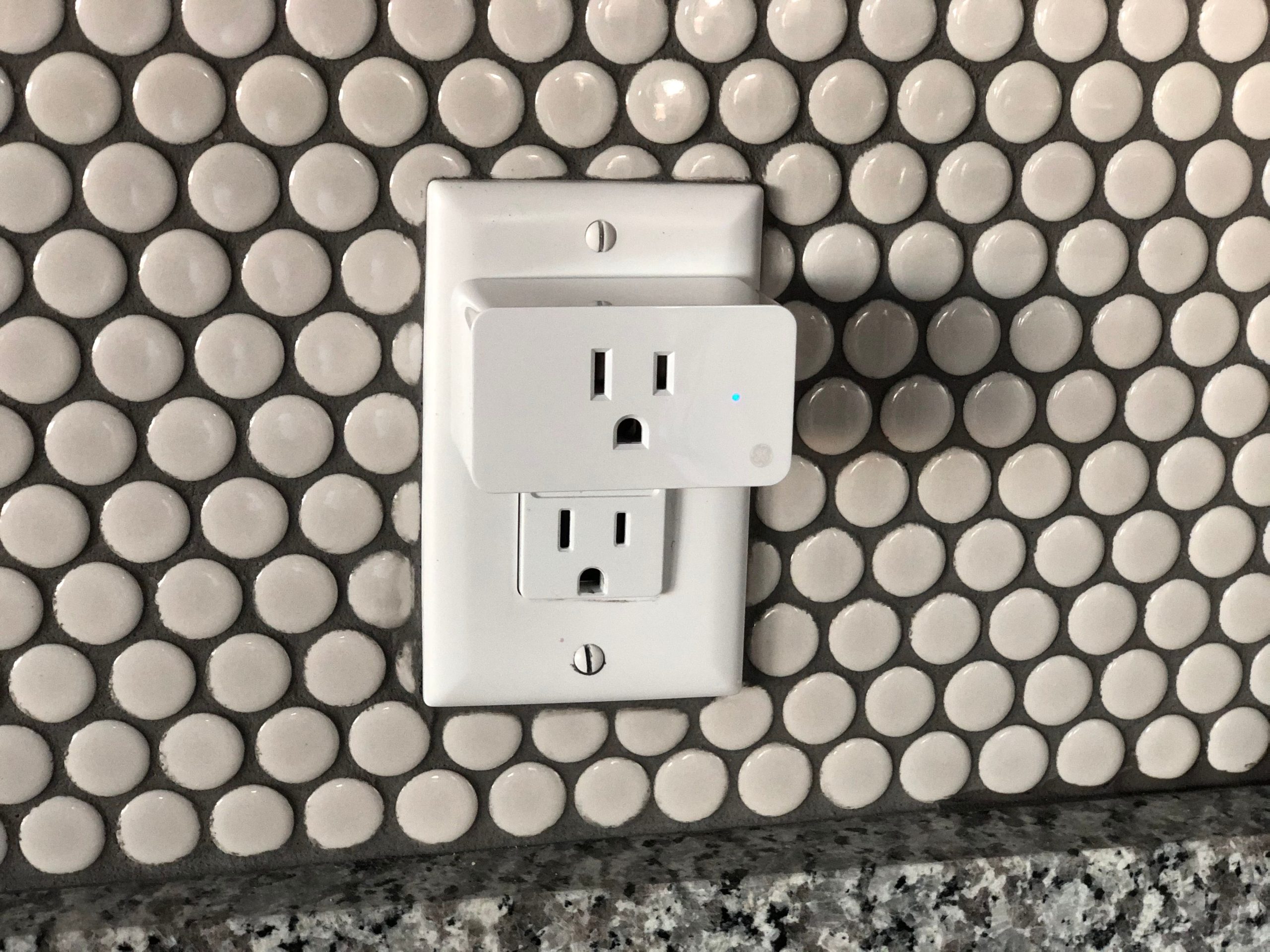
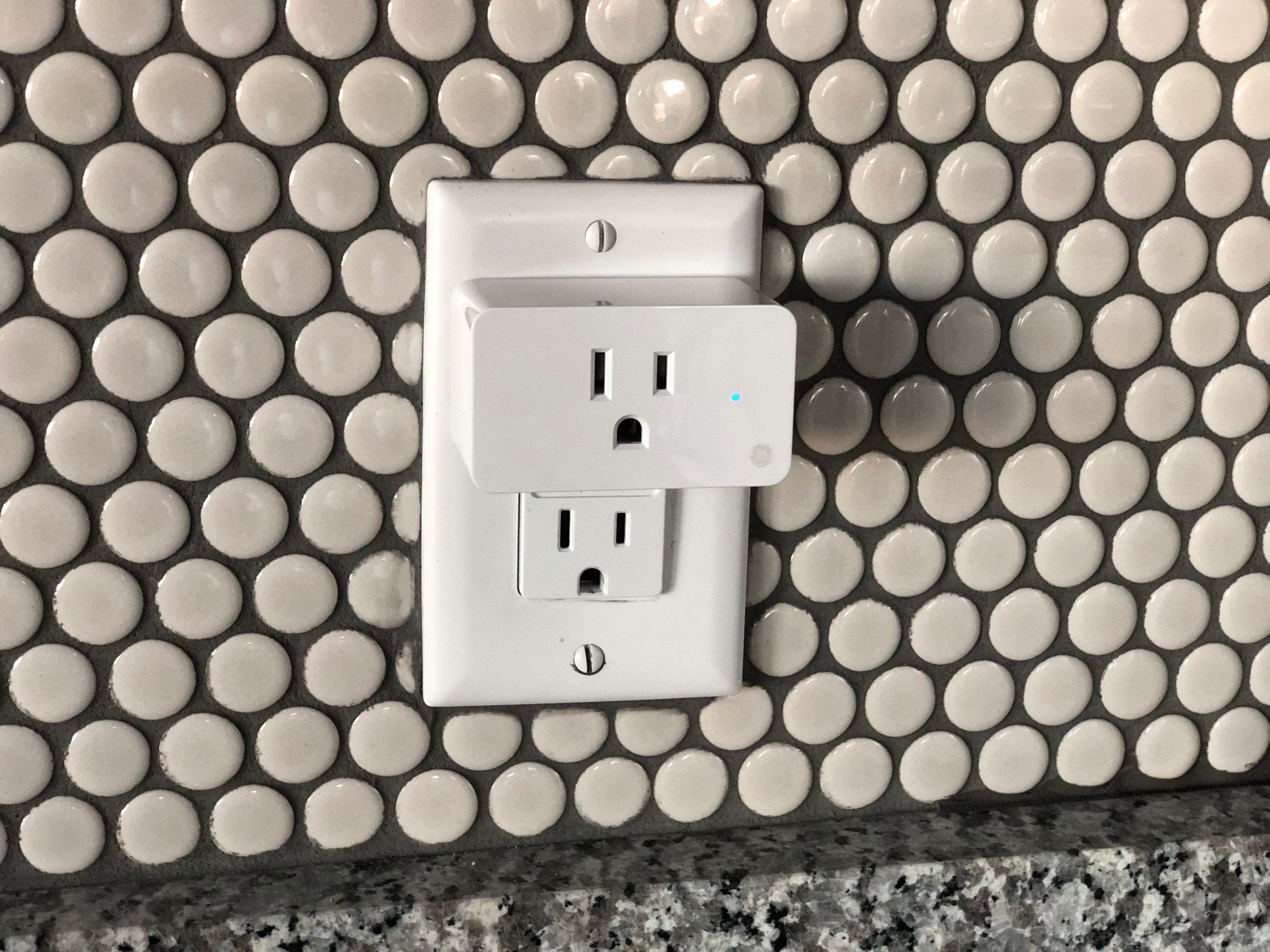
If you charge from a regular 120-volt outlet, a smart plug can switch the charger on and off on a timer. When power returns at the start of the window, most cars simply resume charging.
Here is the catch: a Level 1 charger draws about 12 amps for hours on end, and that is a continuous load. Many smart plugs are rated 15 amps, but a rating on the box does not guarantee comfort at 12 amps for eight hours. Pick a plug whose spec sheet explicitly covers that kind of load, check that it stays cool, and stop using it if the plug or outlet gets warm.
Never use a smart plug with a 240-volt Level 2 charger. If you want to learn more about how plugs behave, see our guides on smart plugs with energy monitoring and why a smart plug turns off by itself overnight.
Option 3: an OCPP charger
OCPP stands for Open Charge Point Protocol. It is an open standard that lets a charger take instructions from management software instead of only from the manufacturer’s app. Those instructions can include charging profiles that limit when and how fast the car charges.
For a homeowner, that means rules like charge only when the price is low, or only when the sun is producing, if you pair it with the right software. Community integrations exist for home-automation platforms such as Home Assistant. The trade-offs are real, though:
- Not every home charger supports OCPP, so check the spec sheet before you buy.
- Setup is more technical than a phone app.
- If your software or network goes down, you want the charger to fall back to a sensible default, so test what happens.
Option 4: a smart panel or load-management system
Smart electrical panels and energy-management systems control individual circuits or breakers. You can put the EV circuit on a schedule, cap it when the house is busy, and manage other big loads such as a water heater or dryer in the same place.
They are installed by a licensed electrician and cost far more than the other options, so they make the most sense when you are already upgrading your panel or want whole-home time-of-use control. For a single EV, they are usually overkill.
The four options side by side
| Method | Works with | Setup | Cost | Best for |
|---|---|---|---|---|
| Car or charger schedule | Most EVs and Wi-Fi chargers | Easy | Free | Almost everyone |
| Smart plug | Level 1 (120 V) only | Easy | Low | Slow overnight top-ups |
| OCPP charger | OCPP-compatible home chargers | Harder | Medium to high | Tinkerers and solar owners |
| Smart panel | Any circuit, professionally installed | Electrician | High | Whole-home control |
Mistakes that quietly cost you money
- Wrong clock or time zone. A device with the wrong time starts at the wrong time. Daylight saving changes can shift things by an hour.
- Two schedules fighting. See Option 1. Leave one of them alone.
- A forgotten override. Charge Now stays on until you change it back.
- Seasonal rate changes. Some utilities change their peak window between summer and winter. Check it twice a year.
- Power outages. Some chargers reset their schedule after an outage. Look at the app after one.
How to confirm it is working
Plug in at 6 p.m. one evening and check in the morning. Your car’s app or the charger’s session log should show the session starting inside the off-peak window. Your utility’s account page or smart-meter data will show the same. Do it once, and then check again after any outage or time change.
Is it worth it?
Yes. For nearly everyone the free built-in schedule captures almost all of the savings. Spend money on smart plugs or panels only if you have a specific reason. And when you want to know what any other appliance costs to run, use the calculator below. A Level 2 charger is about 7,200 watts.
Work out what charging really costs
Enter 7,200 watts and your hours to see the cost of a Level 2 session at your own rate.